Diensten€ 5.99
5.0 · 2 beoordelingen
LET OP: Aankopen verlopen via de App Store, bekijk daar altijd de meest actuele prijs, compatibiliteit en andere informatie. Je hebt een actief Apple account nodig om apps te installeren.
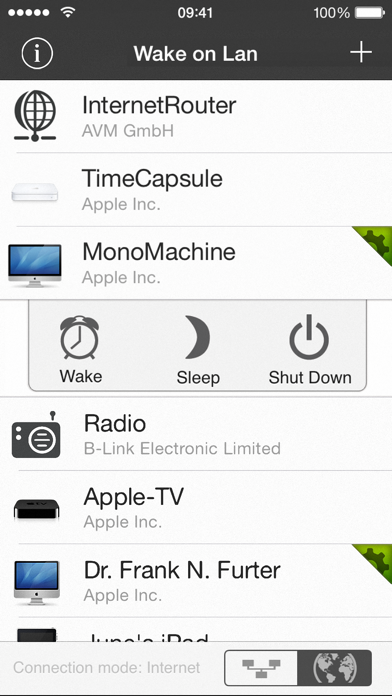
iNet WOL is a tool to wake computer from sleep via a local network or the internet.
Its outstanding feature is its easiness of usage and the simple setup process.
With iNet WOL you can:
• Wake computer on the local network from sleep
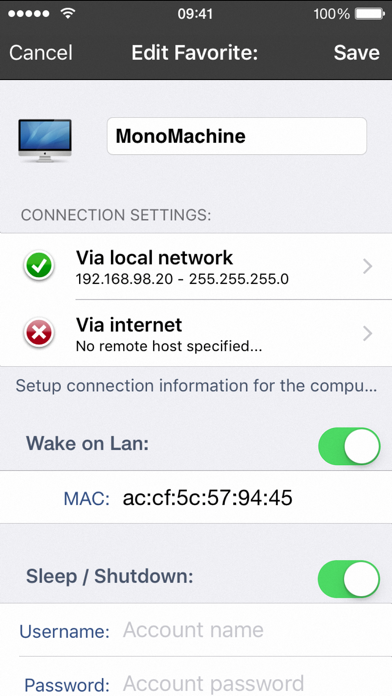
• Wake computer via the internet
• Sleep, shutdown or reboot a computer remotely (Mac OSX only curently)
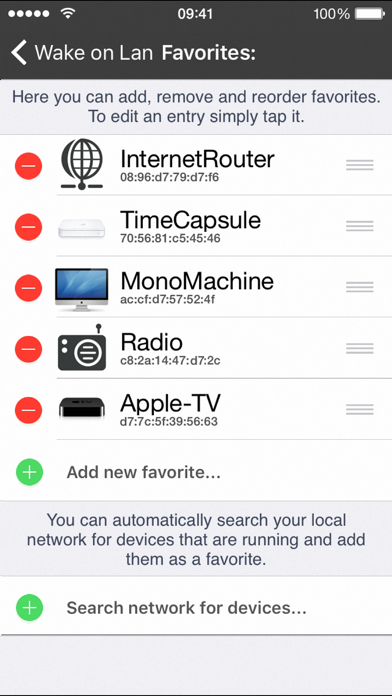
• Add new devices with one touch (no need to enter MAC address since iOS 26)
• Change names and Icons for better identification
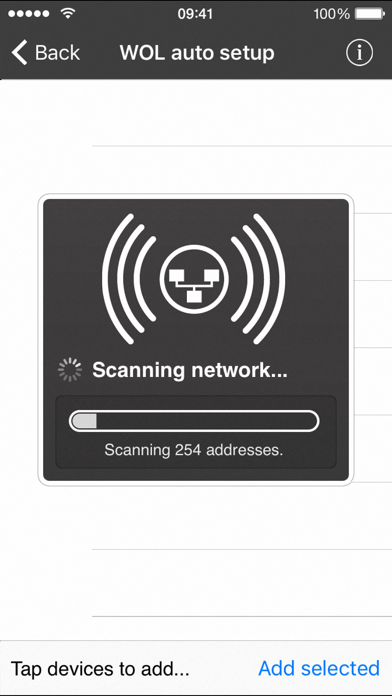
iNet WOL scans the devices connected to your local network and shows them along with their name, IP and vendor at the tip of a button. You do not need to find out the MAC addresses or type them in. Just click on an item in the generated list to add it to your favourites.
Setup and usage:
Start iNet WOL and click on the device you want to wake up. Its that simple.
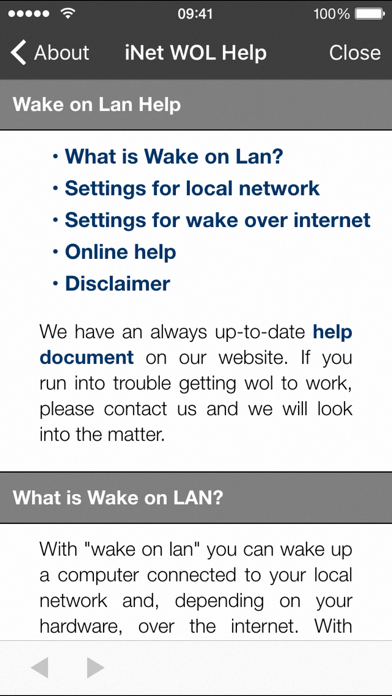
For more detailed setup instructions regarding wake on lan via internet please see our website.
iNet WOL is also included in our iNet Pro Network Scanner, alongside with other network tools like ping, Bonjour scanner, portscan and more.
If you just need a fast and easy solution for computer wake up - iNet WOL is perfectly suited for you.
--
iNet WOL - Wake on Lan van BananaGlue GmbH is een iPhone app met iOS versie 15.0 of hoger, geschikt bevonden voor gebruikers met leeftijden vanaf 4 jaar.
Informatie voor iNet WOL - Wake on Lanis het laatst vergeleken op 10 Oct om 11:56.
[New] Detection of MAC addresses in iOS 27
[Enhanced] Improved detection of manufacturers
[Added] Device images (e.g. iPhone 17e)
[Fixed] Possible crash on startup
[Updated] All Databases
Have a successful and lucky 2026!
Just perfect!
Used to remotely sleep & wake my media server from my iPad...
Most simple to use and effective app for my purposes :-)
Perfecte app
Ik gebruik het om mijn mediaserver te starten. Doet gewoon wat ik wil. Kortom, super app.