
LET OP: Aankopen verlopen via de App Store, bekijk daar altijd de meest actuele prijs, compatibiliteit en andere informatie. Je hebt een actief Apple account nodig om apps te installeren.
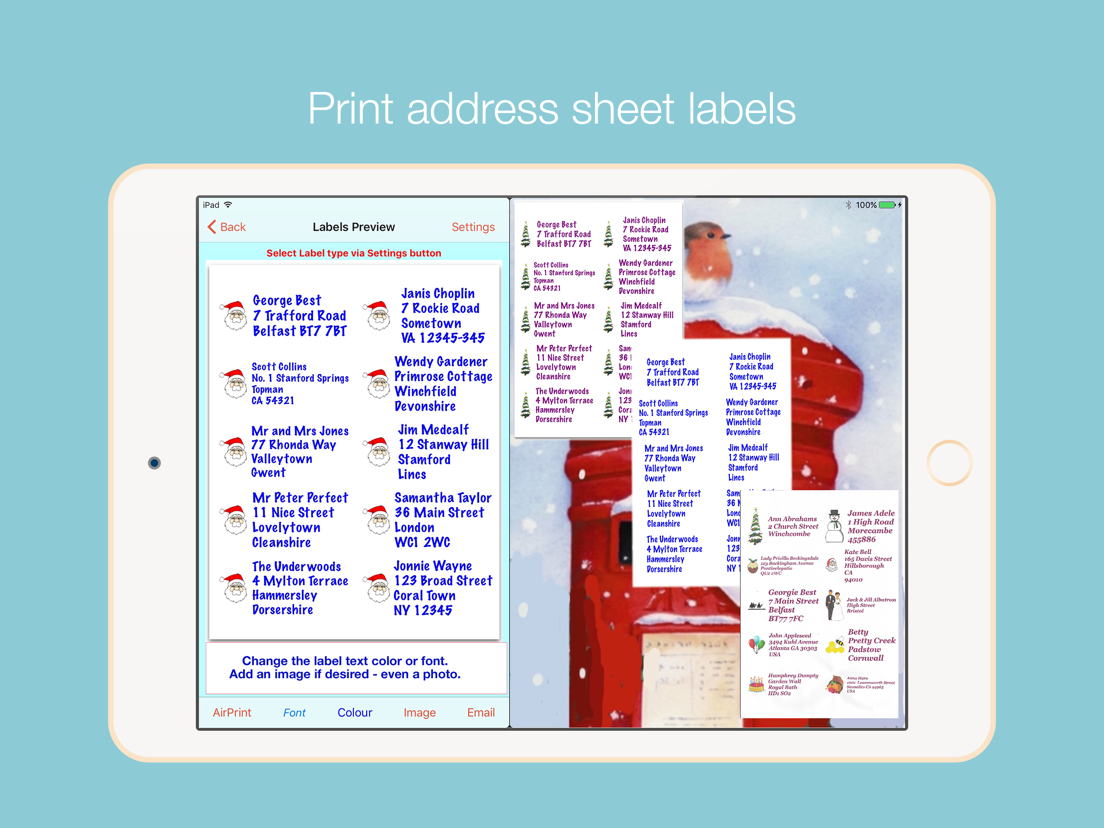
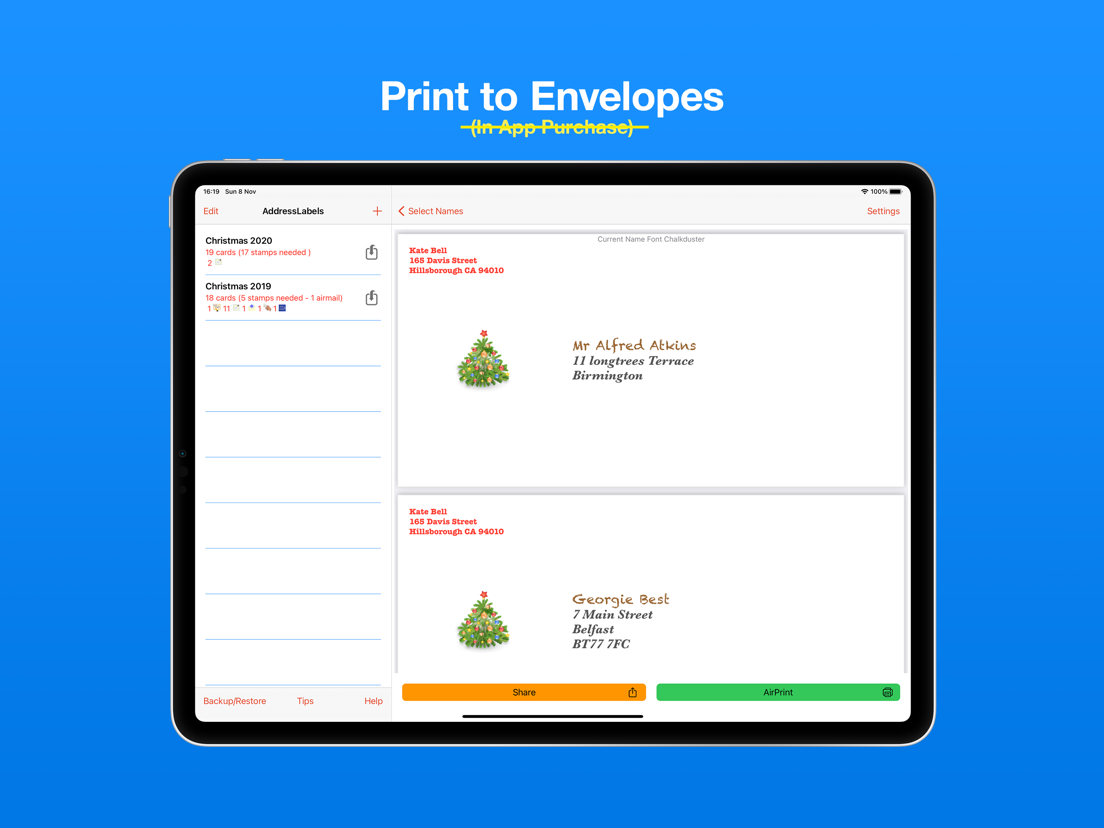
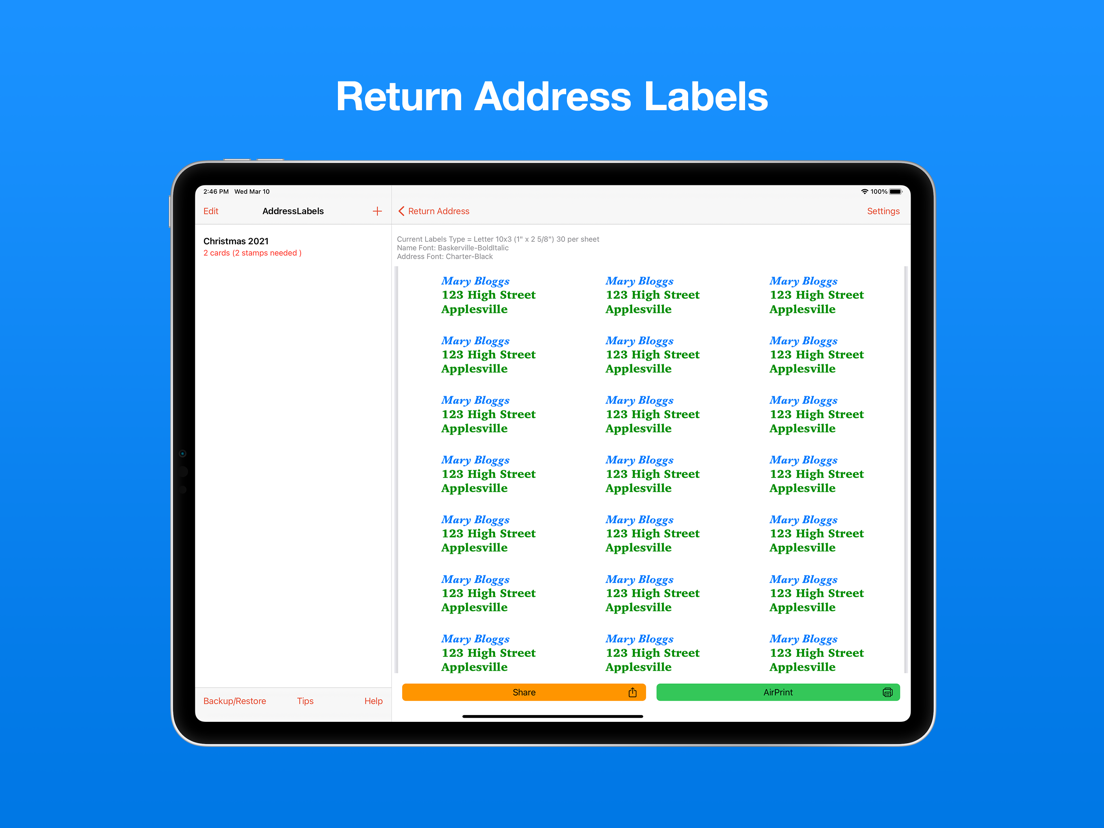
Print your mailing/cards address labels and envelopes in minutes.
Address Labels takes care of fitting the text/image to the label size. You just supply the contents and select label type - AddressLabels does the rest.
Compatible with the mac app via Cloud syncing.
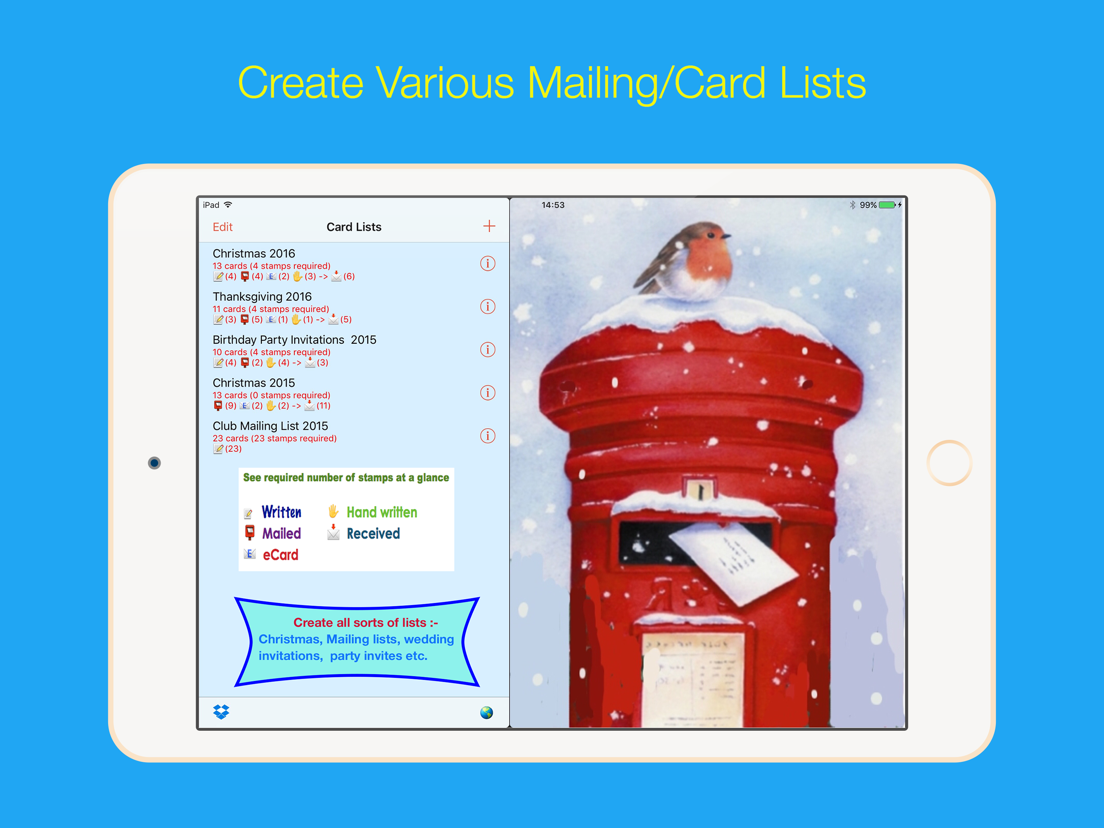
Excellent for organising Christmas card or other mailing lists. No more forgetting to send a card – use your list year after year.
No. 1 iPad Utilities App last Christmas on USA and UK stores.
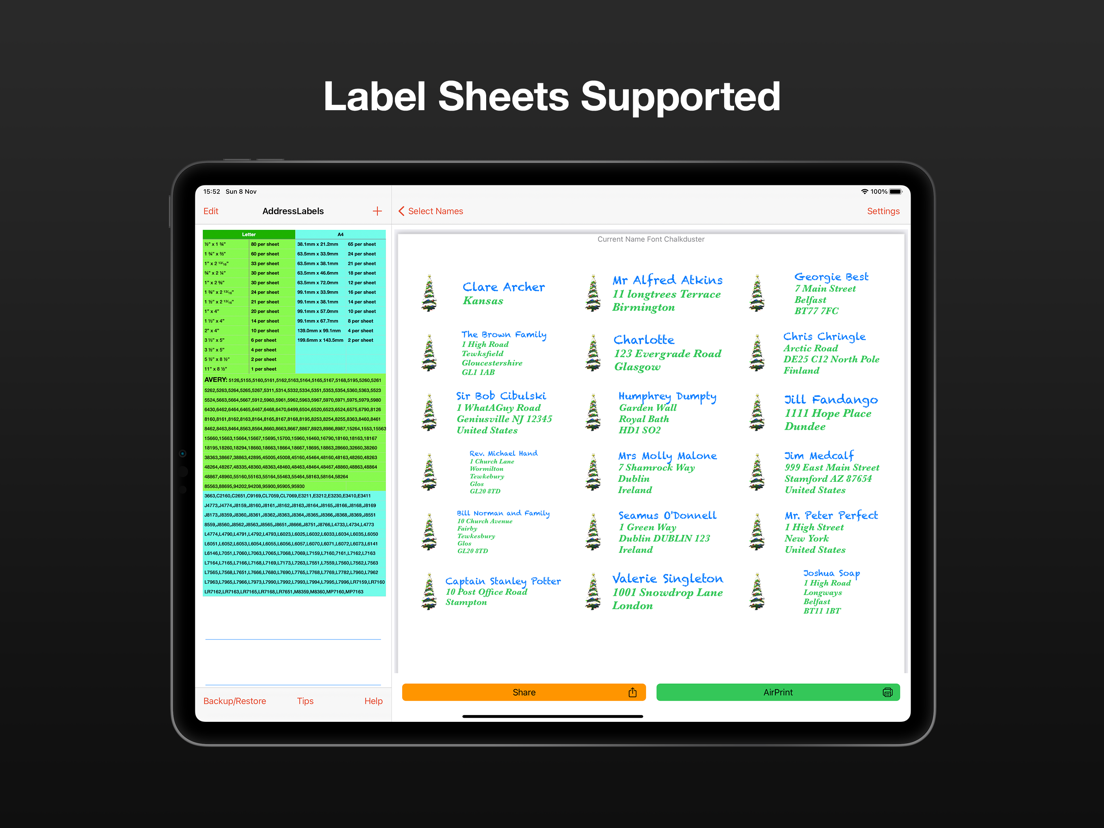
Most Avery label sheet types supported.
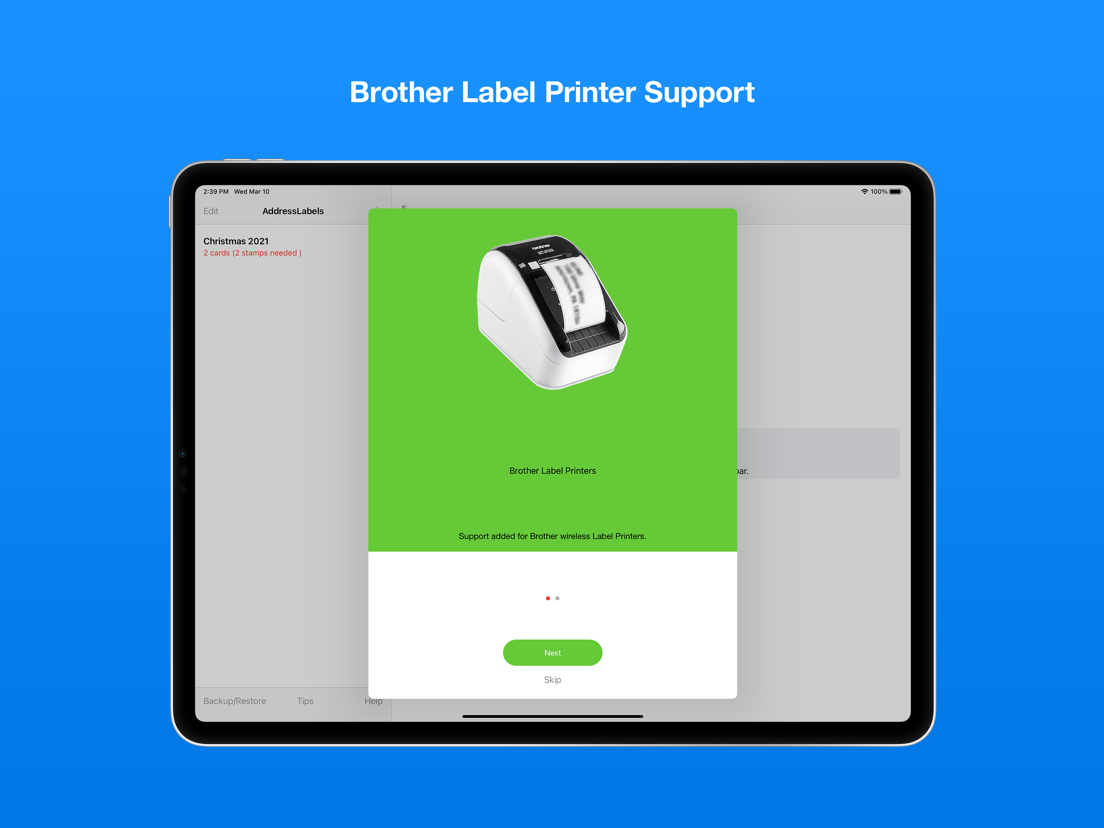
Supports Brother label printers (wifi).
Supports some Dymo LabelWriters though also requires 3rd party software (see website).
Prints to wide variety of envelopes - even custom sizes. Note: whilst working on most printers, it is not guaranteed to work on all printers.
Print USPS IM barcodes for USA addresses.
AddressLabels remembers the settings, making the next job even easier.
Import names from Contacts, spreadsheet csv files or type manually.
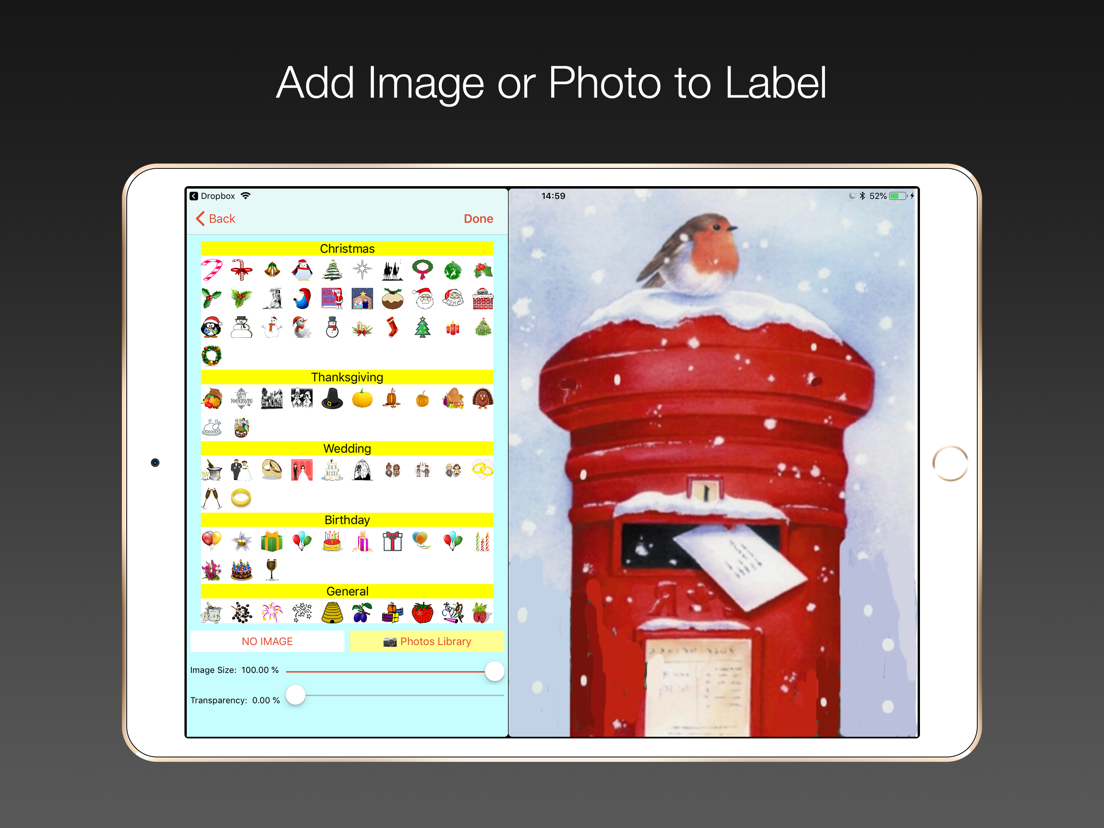
Personalize labels with image/photo e.g. Christmas icon
Create Return address labels.
Sort on First/Last Names, post/zip code, manually or Birthday (really handy for Birthday List)
The zip sort lets you target your mailings to specific neighbourhoods and can be especially helpful in the USA allowing you to get the lowest possible postal rates for bulk mail.
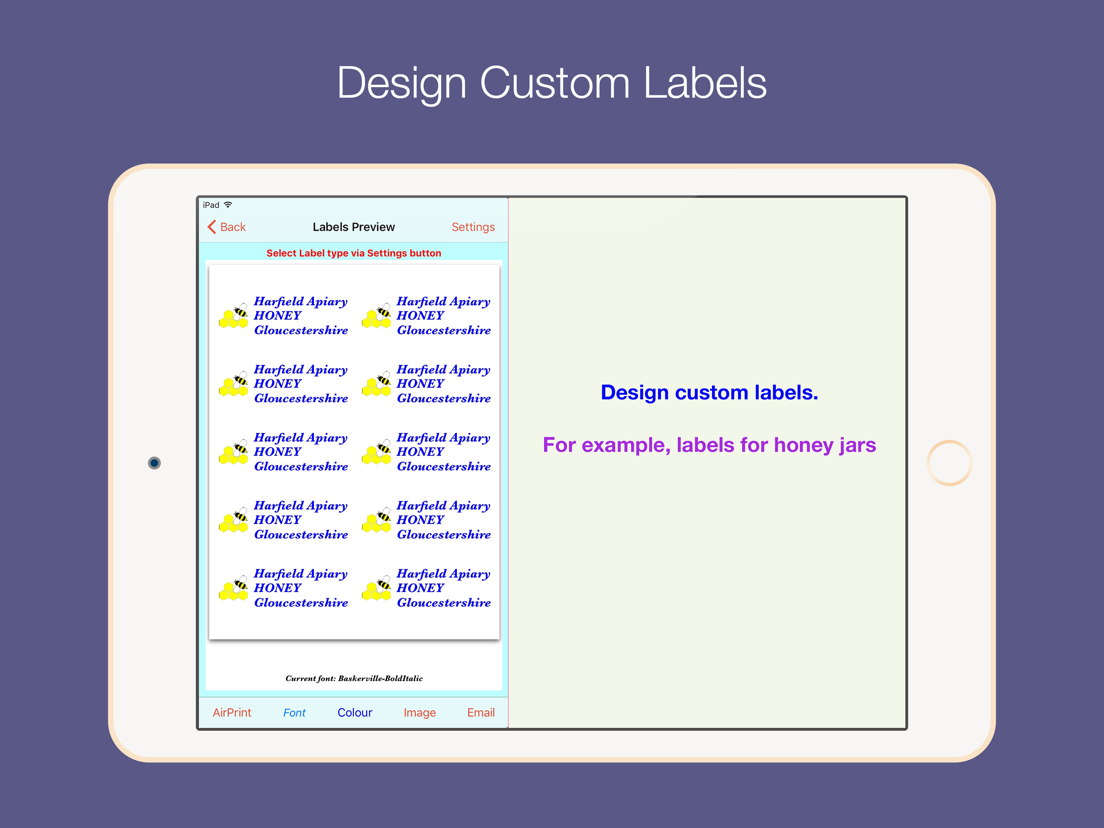
Create simple Custom labels e.g. for produce labels, storage boxes etc.
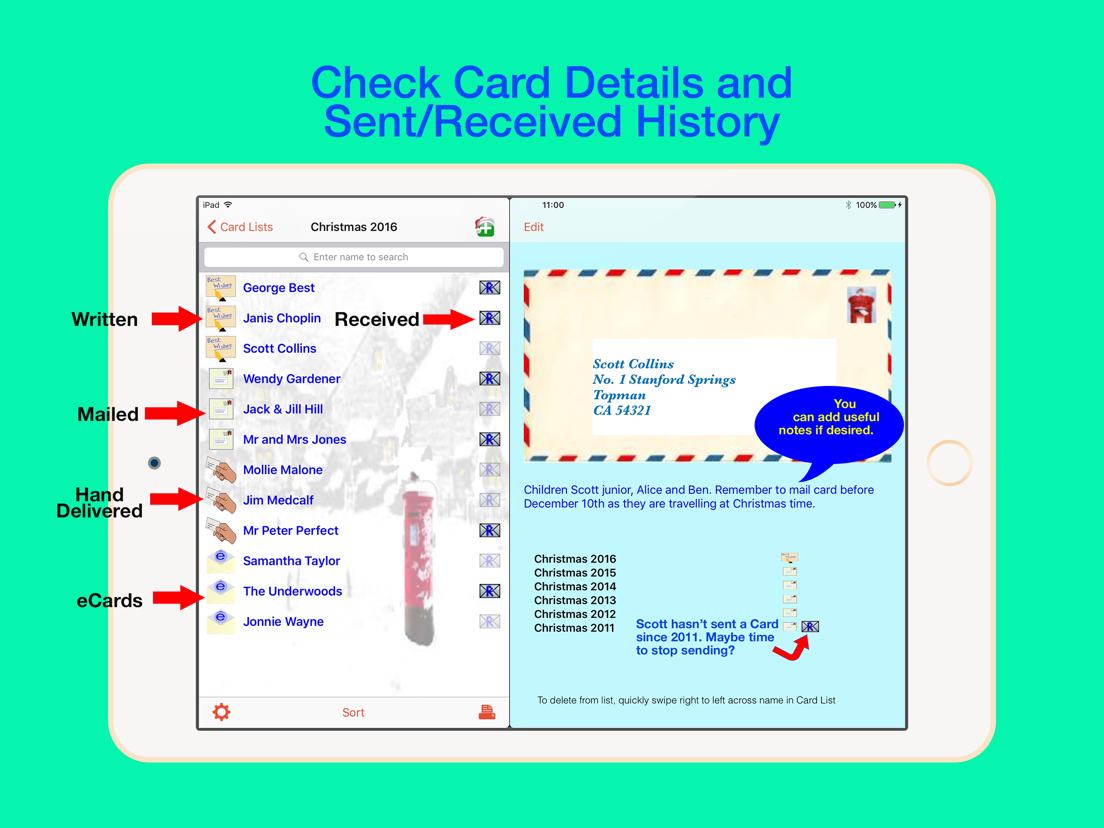
Record when cards have been written, mailed, hand-delivered or sent as eCards, and number of replies.
Number of stamps required displayed.
Print directly from your device via Airprint-enabled printer.
Share - e.g. email or airdrop list.
Export to csv.
Store extra info e.g. children names etc.
Multiple uses - Christmas, Thanksgiving, Birthdays, Weddings, Baby Showers, storage jars, file labels etc. - use your imagination.
Lists sync with other iOS devices and Mac (iOS 13 or later).
Check person’s history e.g. to see when they last sent you a card.
Use “alias” e.g. import “John Smith” from Contacts, but display and print “The Smiths” etc.
Use person's nickname/company for label/envelope
****************************************************************
Instructions on using the app at https://ios.addresslabels.app
Great support available - support@ios.addresslabels.app
***************************************************************
"This app, however, is nothing short of brilliant, easy to use and printing sensible labels."
"This app certainly takes the pain out of producing your Christmas and other lists. A lot of thought has gone into this truly excellent product."
"This is a superb program and does what it says simply and efficiently. The developer responds promptly to suggestions. Importing Contacts works well and changes are instantly carried through. My cards have never been sent out so early!"
"I love how this app has streamlined addressing my Christmas cards!! Thank you!!"
"AddressLabels delivers an extremely effective way to manage card lists which means the ability to easily compose lists from your Contacts, get the labels printed, and keep track of cards received and sent! Add the ability to manually enter list members, assign nicknames, select from multiple addresses, intelligent handling the country portion of the address, accommodate a large range of label types, AirPrint directly or produce a PDF of the labels, clone new lists from existing lists, all wrapped in a visually pleasing interface. Winner!"
"I hate addressing my Christmas cards. This app made it very easy to make labels. I don't have a printer that works with my iPad yet, so I really appreciated having the capability to send them as a PDF to my email address. The app is awesome..."
“Just what you need at this time of year - a reliable self updating list to speed up sending out cards. This is the 3rd or 4th year I've used it and it just gets better and better.”
“After years of tearing my hair out trying to get labels out of my iphone/iPad/iMac combo, an app that actually does what it promised!”
--
Address Labels & Envelopes van HamiltonsApps is een app voor iPhone, iPad en iPod touch met iOS versie 15.6 of hoger, geschikt bevonden voor gebruikers met leeftijden vanaf 4 jaar.
Informatie voor Address Labels & Envelopesis het laatst vergeleken op 29 Sep om 01:49.

Informatie
- Releasedatum:11 Dec 2010
- Bijgewerkt:23 Sep 2026
- Versie:7.97
- Compatibiliteit:Vereist iOS 15.6 of nieuwer. Compatibel met iPhone, iPad en iPod touch.
- Grootte:20.1 MB
- Leeftijd:4+ jaar
- Beoordeling:4.5 van 5
- Categorie:
Nieuw in versie 7.97
Fixed crash when launching on iOS 27.
Prijsgeschiedenis
Reageer op deze app
Dit vind je misschien ook leuk

Laatste reacties
- Robertsop zei over Contacts Sync Pro: "Salut, ech wollt Äre Präis wëssen."
- Robertsop zei over Contacts Sync Pro: "Sveiki, aš norėjau sužinoti jūsų kainą."
- Robertsop zei over Contacts Sync Pro: "Hola, volia saber el seu preu."
- Ryan zei over James-Horeca: "Zeer teleurstellende ervaring Helaas heb ik een erg negatieve..."
- Adnan Ali zei over Pindat - Reisblog maken: "Поринути у світ захоплюючих подорожей, відкривати приховані..."
- plinko clicker game zei over Radio 10: "Is there actually any point to this app when you can just..."
- random number generator phone zei over Radio 10: "Ik zag dat de AppWereld-site de app niet meer heeft, klinkt..."
- Ro Rare zei over myOpel: "LoL dat een company als Opel zo'n slecht functionerende..."
- Jo zei over Word Domination: "Leuke ap enkel wel heel jammer als je een nieuwe booster wilt..."