
LET OP: Aankopen verlopen via de App Store, controleer daar altijd de meest actuele prijs, compatibiliteit en andere informatie. Je hebt een actief Apple account nodig om apps te installeren.
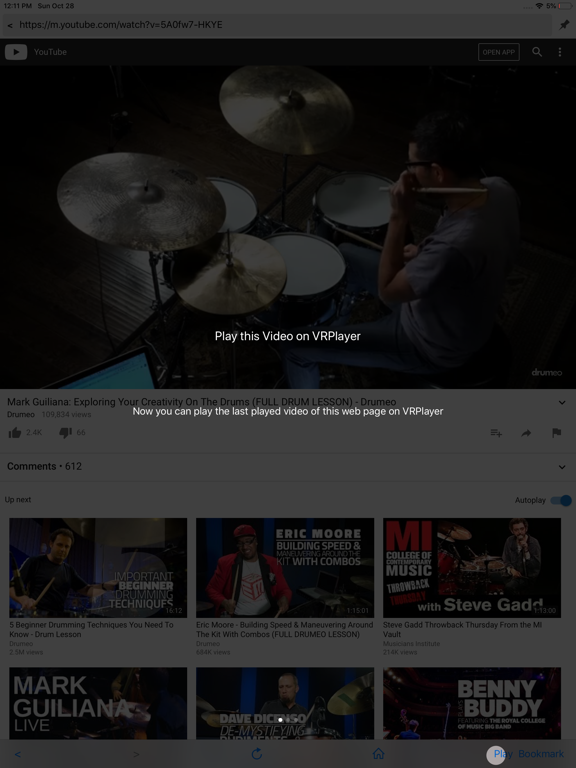
● VRPlayer can record screen/audio of your desktop and streaming it to VRPlayer via VRPlayer Helper.
- to use this feature "VRPlayer Helper" should be installed and executed on your desktop.
please select or add "VRPlayer Helper" item on vrplayer app and follow instruction first.
- this feature is experimental for now.
so there might be considerable amount of latency and unstability depends on network environment and system spec where helper is running
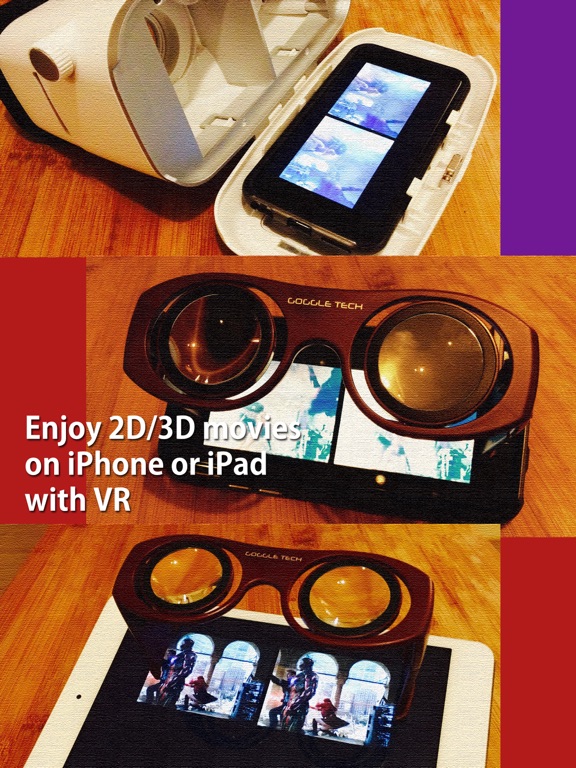
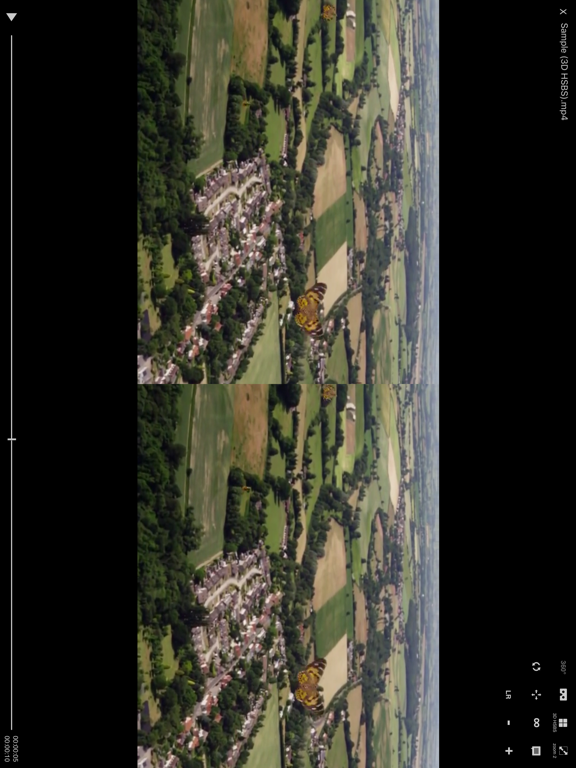
● VRPlayer can play not only general 2D movies but also 3D movies (half side by side or over and under) for VR (google cardboard)
● and support the following file formats.
- video : mp4, mov, DRM free m4v
- subtitle : smi, srt
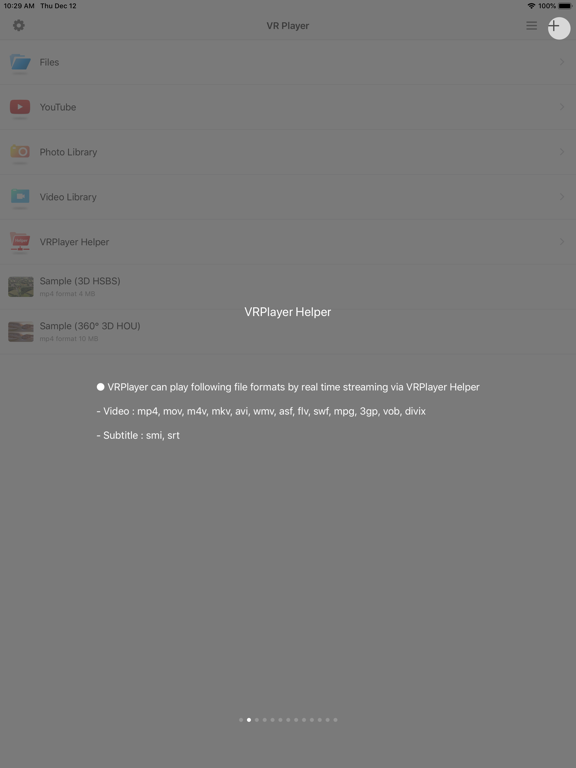
● VRPlayer can play following file formats by real time streaming via VRPlayer Helper
- Video : mp4, mov, m4v, mkv, avi, wmv, asf, flv, swf, mpg, 3gp, vob, divix
- Subtitle : smi, srt
※ this app can not play DRM protected videos purchased from iTunes store.
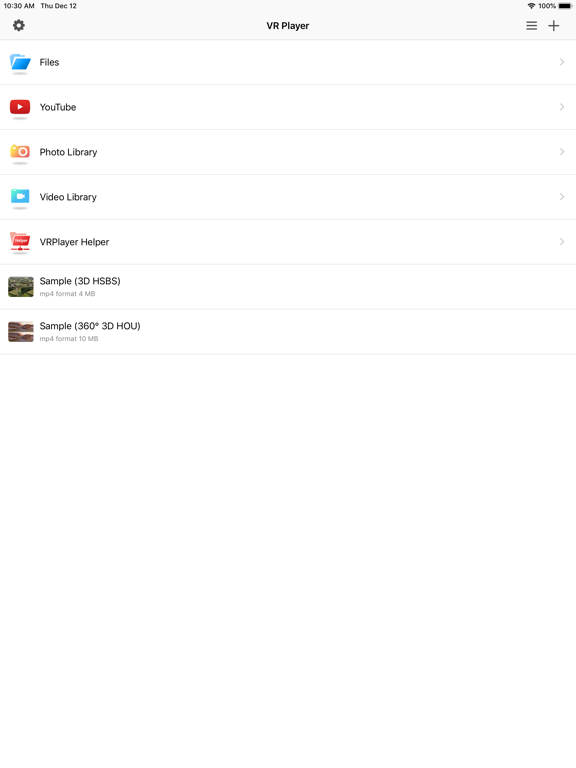
● You can add or access following items
- VRPlayer Helper (streaming server)
- Folder
- FTP Server
- GoogleDrive, Dropbox
- Video Library
※ VRPlayer Helper is embedded in your own VRPlayer app and the download URL provided by VRPlayer is your own iPhone's IP address itself not an external web server.
so iPhone and the server PC should be in the same wifi network to download Helper.
tap the "+"button at top right corner of VRPlayer and select VRPlayer Helper then you will see the URL from which you can download helper.
● You can control VRPlayer with keyboard
- Bluetooth Keyboard
- USB Keyboard (connected by camera kit)
- Keyboard of PC on which VRPlayer Helper is installed
※ while navigating
- up / down : move cursor by item
- up / down + shift : move cursor by page
- right / enter / space : select item
- left / esc : back to previous
※ while playing
- up / down : move cursor by button
- enter : select button & do action
- esc : stop & back to list
- space : play & pause
- right : move forward 5 seconds
- left : move backward 5 seconds
- right + shift : move forward 1 minute
- left + shift : move backward 1 minute
- up + shift : play previous video
- down + shift : play next video
- [ : slow down the playback rate
- ] : speed up the playback rate
- 1 : Toggle 360°/180° Video
- 2 : Toggle VR Mode
- 3 : Change 2D/3D Mode
- 4 : Zoom In/Out
- 5 : Back To Center / Motion Tracking
- 6 : Motion Tracking Constraint
- 7 : Loop
- 8 : Audio/Subtitle
● You can control VRPlayer with Game Controller
※ supported controller
- XBox controller
- Playstation Dualshock controller
- Other MFi certified game controller
※ while navigating
- up / down : move cursor by item
- up / down + RB : move cursor by page
- right / A : select item
- left / B : back to previous
※ while playing
- up / down : move cursor by button
- A : select button & do action
- B : stop & back to list
- X : play & pause
- right : move forward 5 seconds
- left : move backward 5 seconds
- right + RB : move forward 1 minute
- left + RB : move backward 1 minute
- up + RB : play previous video
- down + RB : play next video
● support panorama photo
- enjoy your own panorama photos in VR
● Use multiple gestures to control playing
- Tap the screen with two fingers to change 2D/3D screen mode.
- Double tap the screen to zoom in/out.
- Swipe right to skip forward 5 seconds.
- Swipe left to skip back 5 seconds.
- Swipe right with two fingers to speed up the playback rate.
- Swipe left with two fingers to slow down the playback rate.
- Long press with one finger to select audio or subtitle.
- Drag & drop subtitle to change position.
- Pinch in or out screen to change font size of subtitle.
--
VRPlayer Pro : 2D 3D 360°Video van LEE DONG WON is een app voor iPhone, iPad en iPod touch met iOS versie 15.6 of hoger, geschikt bevonden voor gebruikers met leeftijden vanaf 17 jaar.
Informatie voor VRPlayer Pro : 2D 3D 360°Videois het laatst vergeleken op 30 Oct om 03:23.
Informatie
- Releasedatum:17 Dec 2015
- Bijgewerkt:27 Oct 2026
- Versie:3.3.9
- Compatibiliteit:Vereist iOS 15.6 of nieuwer. Compatibel met iPhone, iPad en iPod touch.
- Grootte:143 MB
- Leeftijd:17+ jaar
- Beoordeling:3.7 van 5
- Categorie:
Nieuw in versie 3.3.9
● Subtite and Streamin desync bug fixes
● Improve streaming stability of File Server
● Improve transcoding stability of Transcode Manager
● Direct subtitle load for File Server
Prijsgeschiedenis
Reageer op deze app
Dit vind je misschien ook leuk

Laatste reacties
- Sanne zei over Enigmic: Misdaadpuzzels: "Leuk spel! Zelf ik ben helemaal fan van dit genre en bekijk..."
- Peter zei over Wizard for Wordfeud: "Just for your info, but since the upgrade to IOS 27.2. From..."
- Jolanda Smit zei over pym. Je fotoboek, al klaar: "Sinds 2013 al een gebruiker en sindsdien (zo goed als) elke..."
- Ludo zei over HERE WeGo Kaarten & Navigatie: "Op de iPhone is HereWeGo een goede navigatie app, echter met..."
- Soundmaster zei over UNDOK: "UNDOK werkt niet meer na installatie iOS27! Alle richtlijnen..."
- Ryan zei over James-Horeca: "Zeer teleurstellende ervaring Helaas heb ik een erg negatieve..."
- Ro Rare zei over myOpel: "LoL dat een company als Opel zo'n slecht functionerende..."
- Jo zei over Word Domination: "Leuke ap enkel wel heel jammer als je een nieuwe booster wilt..."
- Marc Van Hoey zei over Belfius Mobile: "beste, iPadgebruik, na laatste update, app. belfius mobile,..."