
LET OP: Aankopen verlopen via de App Store, controleer daar altijd de meest actuele prijs, compatibiliteit en andere informatie. Je hebt een actief Apple account nodig om apps te installeren.
Build, paint, render, and export detailed voxel worlds on iPhone, iPad, and Mac.
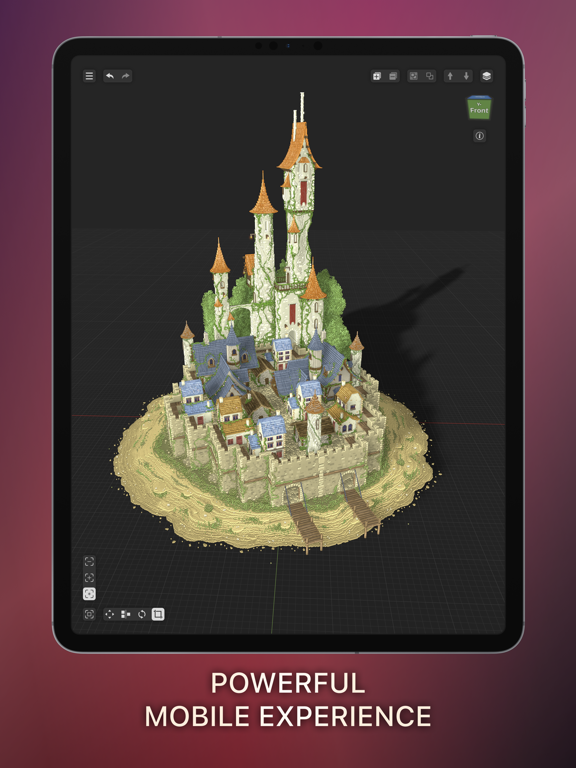
Voxel Max combines approachable controls with powerful tools for artists, game developers, hobbyists, and first-time creators. Place individual voxels, drag to build larger forms, or use fast shape brushes to block out ideas quickly. Start from scratch or begin with a library of prefab people, furniture, vegetation, architecture, and more.
BUILD AND EDIT
• Create in a 256 × 256 × 256 voxel workspace
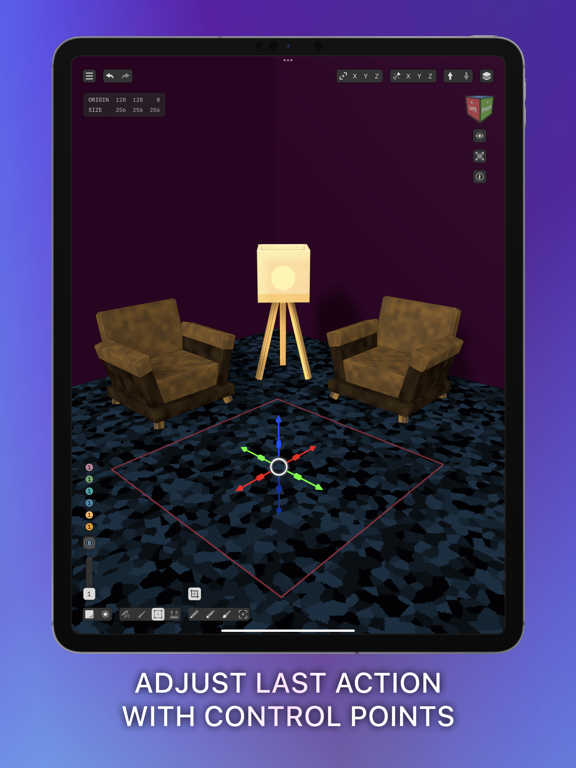
• Paint with fast SDF brushes and pressure-sensitive controls
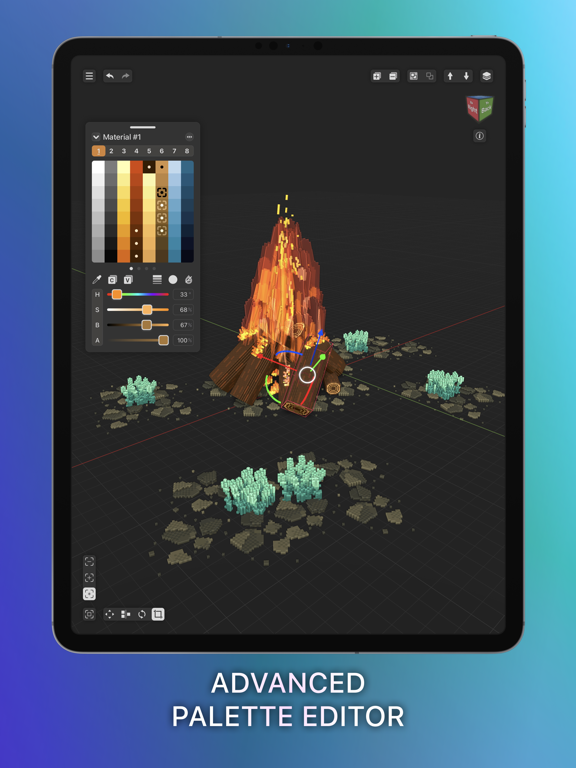
• Combine 255 colors with eight material layers for up to 2,040 color-and-material variations
• Fine-tune textures, materials, and visual effects
• See material changes rendered in real time
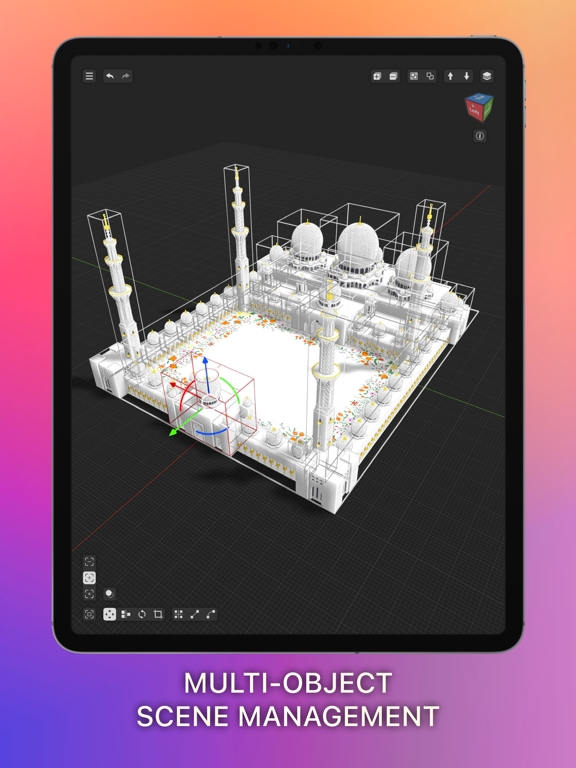
• Zoom in for precise edits or out to manage complete scenes
• Save creations as reusable assets for cloning and scene building
RENDER AND PRESENT
• Preview creations in augmented reality on iPhone and iPad
• Capture photos and videos of your work in the world around you
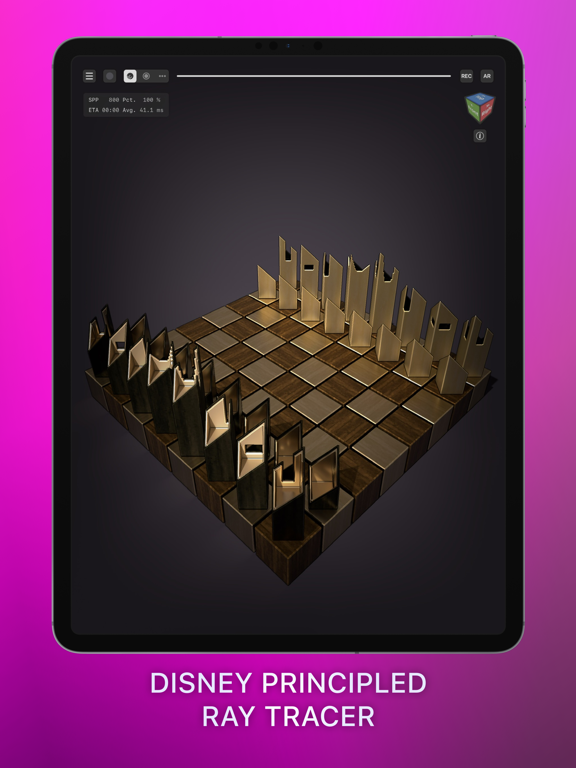
• Use ray-traced lighting and shadows on supported Metal GPUs
• Explore Marching Cubes, Outline, and Curvature rendering effects
• Add backgrounds and replay your build as a time-lapse in Presenter View
IMPORT, EXPORT, AND SHARE
• Import and export MagicaVoxel and Qubicle scenes
• Import USDZ and GLB scenes and convert them into editable voxel art
• Export PNG, Voxel Max Asset Pack, SCNZ, DAE, FBX, GLB, OBJ, STL, and USDZ
• Work across iPhone, iPad, and Mac with iCloud syncing
FOUNDRY
Turn images into 3D assets with Foundry AI, and scan real-world objects on supported devices. AI generation may require a third-party account.
From a single voxel to a complete scene, Voxel Max gives you the tools to create wherever inspiration strikes.
--
Voxel Max: 3D Modeling van Adrian Andreca is een app voor iPhone, iPad en iPod touch met iOS versie 16.1 of hoger, geschikt bevonden voor gebruikers met leeftijden vanaf 4 jaar.
Informatie voor Voxel Max: 3D Modelingis het laatst vergeleken op 23 Sep om 19:51.

Informatie
- Releasedatum:20 Oct 2020
- Bijgewerkt:8 Sep 2026
- Versie:1.5.54
- Compatibiliteit:Vereist iOS 16.1 of nieuwer. Compatibel met iPhone, iPad en iPod touch.
- Grootte:246 MB
- Leeftijd:4+ jaar
- Beoordeling:5 van 5
- Categorie:
Nieuw in versie 1.5.54
- Fixed selected voxels disappearing when moved or rotated, and stray pieces left behind after shrinking the work area.
- Create larger models with optional 512 × 512 × 512 work areas, including smooth surface styles. Enable 512 Volumes in Settings › Editor.
- Converting 3D models to voxels no longer leaves stray columns between surfaces.
- Made the camera cube easier to use, with clearer highlights when hovering over it.
Prijsgeschiedenis
Recensie
Great tool but needs work
MeerVoxelmax is fun to work with and has a good quality/price balance. It also has a learning curve to optimze efficiency in building objects, but with videos it helps the user understand the toolset. If you're familiar with MagicaVoxel it will feel more at home. So far only crashed once but is really stable in my experience. Working on an iPad Pro 3 with apple pencil.
pros:
- out of the box examples and objects to use such as modular buildings and characters
- clean ui, there are some hidden functions, but with the Info button much is revealed.
- nice set of features, tools work nicely and the navigation is good compared to other 3D apps. Has a fun AR mode to display your scenes.
- great default pallet and textures.
- great tool/toy for children, teens and even professionals.
cons:
- depth selection is still tricky, there are some unintentional transformations, luckily there is a guide feature that helps but lacks the practicality of quick on/off switch.
- no manual saving is asking for trouble. Even though I understand the philisophy and user friendliness, manual saving and versioning is more convenient when iterating
- performance is good but adding shadows/pbr is slowing down the workflow, recommend using constant shading and no shadows when working to be set as default. Switching between the scene and object editor is too slow as well.
Requests and recommendations:
- filters have no extra parameters and switches off shadows? This prevents me from using them, perhaps add more flexibility in this area?
- user defined lighting direction
- like many 3D software, categorize tools, lighting, rendering, shading and viewport options for quick access and clearity in the main UI. Some of these need quick access when working.
- like procreate, customize user input latency, i.e. color picker or layer options.
- add merge objects funtion is easier than copy pasting.
- scaling an object in object editor where the operation does influence voxel density.4door Cgx**29/11/2020
Reageer op deze app
Dit vind je misschien ook leuk

Laatste reacties
- Adnan Ali zei over Pindat - Reisblog maken: "Поринути у світ захоплюючих подорожей, відкривати приховані..."
- plinko clicker game zei over Radio 10: "Is there actually any point to this app when you can just..."
- random number generator phone zei over Radio 10: "Ik zag dat de AppWereld-site de app niet meer heeft, klinkt..."
- Ro Rare zei over myOpel: "LoL dat een company als Opel zo'n slecht functionerende..."
- Jo zei over Word Domination: "Leuke ap enkel wel heel jammer als je een nieuwe booster wilt..."
- Marc Van Hoey zei over Belfius Mobile: "beste, iPadgebruik, na laatste update, app. belfius mobile,..."
- Sanne zei over GoWish: "Ik heb deze eerst gebruikt, maar toch wel erg Amerikaans.. Ik..."
- Frederik Visser zei over Talkie: Tekst naar Spraak: "Ik ben op zoek naar ervaringen van gebruikers van de pro..."
- Frederik Visser zei over Talkie: Tekst naar Spraak: "Ik ben op zoek naar ervaringen van gebruikers van de pro..."