LET OP: Downloads verlopen via de App Store, bekijk daar altijd de meest actuele prijs, compatibiliteit en andere informatie. Je hebt een actief Apple account nodig om apps te installeren.
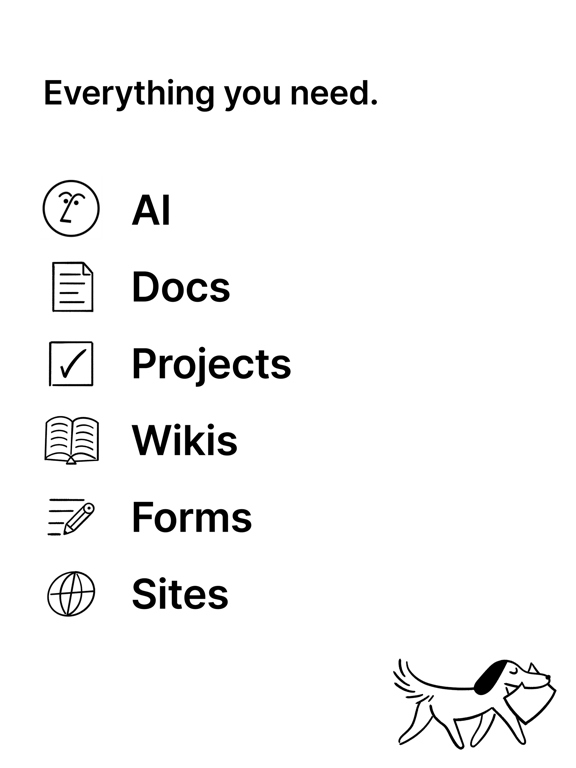
Schrijf, plan en organiseer. Met de hulp van AI. Je notities, documenten, taken en projecten – alles op één plek.
'De totaalapp met AI' – Forbes
GRATIS VOOR PERSOONLIJK GEBRUIK
• Maak net zoveel notities, documenten en content als je maar wilt.
• Gebruik een van de duizenden sjablonen om aan de slag te gaan.
GRATIS UIT TE PROBEREN MET JE TEAM
• Elke dag gebruiken miljoenen mensen Notion bij allerlei bedrijven, van nieuwe startups tot gevestigde ondernemingen.
• Ga aan de slag door eenvoudig je content te importeren uit Google Docs, PDF-bestanden en meer.
• Koppel tools zoals Figma, Slack en GitHub aan Notion.
GRATIS VOOR STUDENTEN
• Bewaar je studieplanner, collegenotities en to-do-lijsten op jouw manier. Geliefd door miljoenen studenten overal ter wereld.
• Bereid je voor op je beste schooljaar tot nu toe met de prachtige, aanpasbare sjablonen die zijn gemaakt door studenten, voor studenten.
NOTITIES EN DOCUMENTEN
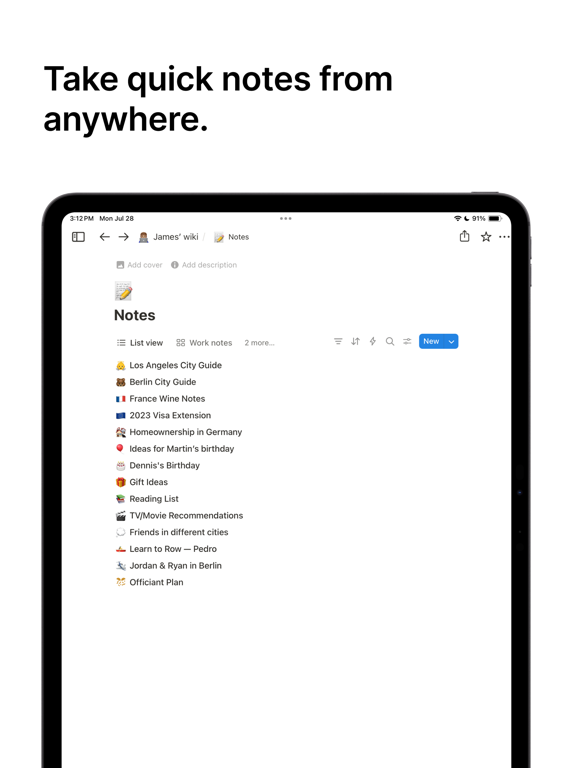
• Maak prachtige documenten met afbeeldingen, taken en meer dan 50 andere soorten content.
• Vind precies wat je nodig hebt met behulp van de zoekfunctie met krachtige filters om content in je hele workspace te vinden.
TAKEN EN PROJECTEN
• Kies welke info je wilt volgen. Maak je eigen prioriteitslabels, statustags en automatiseringen om de perfecte workflow samen te stellen.
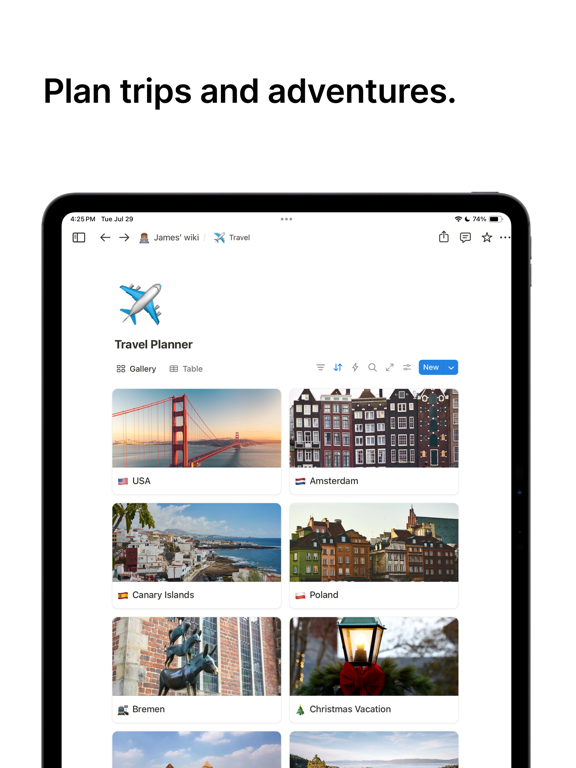
• Leg alle details vast in tabellen. Verdeel projecten in behapbare stukken om het werk gedaan te krijgen.
AI
• Schrijf beter. Notion AI helpt je om te brainstormen en te schrijven.
• Krijg antwoorden. Notion AI beantwoordt vragen over al je content binnen enkele seconden.
• Vul tabellen automatisch in. Notion AI zet grote hoeveelheden gegevens automatisch om in duidelijke, bruikbare informatie.
SYNCHRONISEERT MET JE BROWSER EN MAC- EN WINDOWS-APPS.
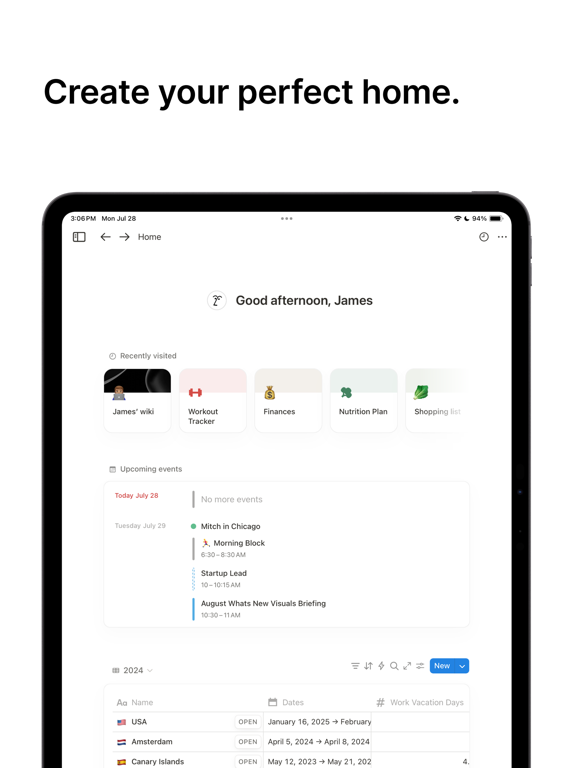
• Ga op je mobiel verder waar je op je desktop was gebleven.
HOGERE PRODUCTIVITEIT. MINDER TOOLS.
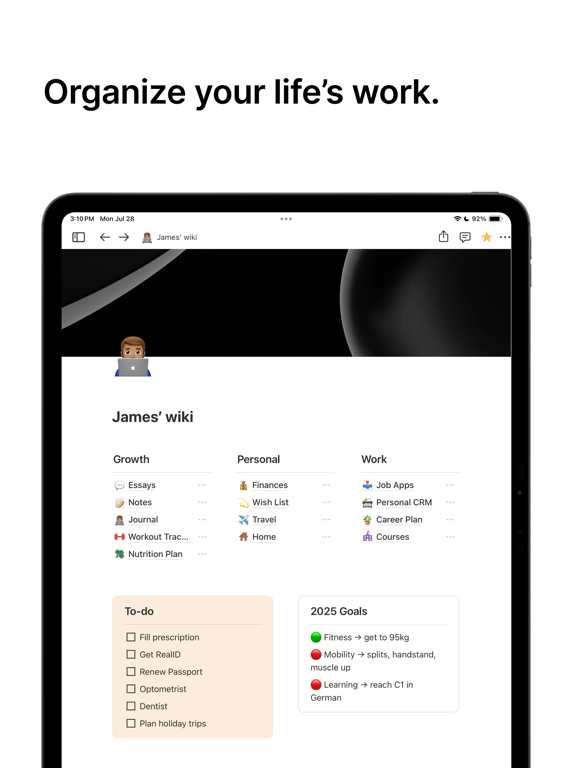
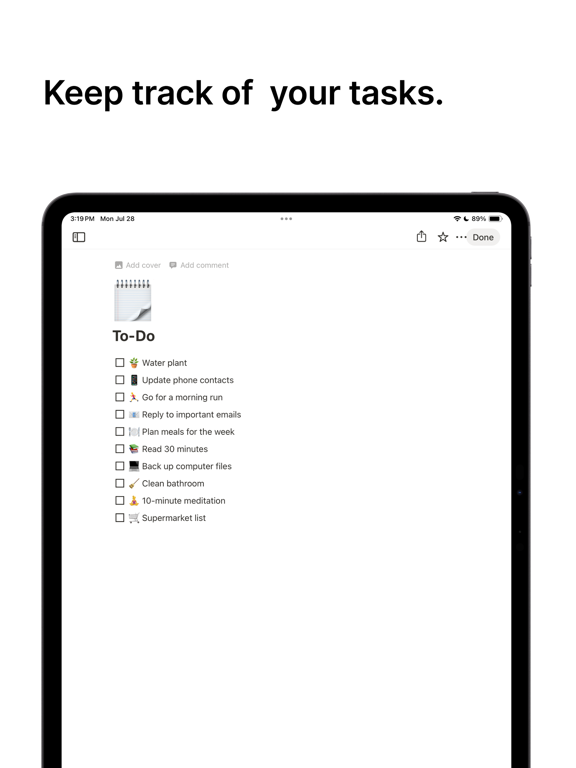
• Houd taken bij, schrijf notities, maak documenten en beheer projecten vanuit één verbonden workspace.
--
Notion: notities, taken, AI van Notion Labs, Incorporated is een app voor iPhone, iPad en iPod touch met iOS versie 17.0 of hoger, geschikt bevonden voor gebruikers met leeftijden vanaf 4 jaar.
Informatie voor Notion: notities, taken, AIis het laatst vergeleken op 31 Mar om 10:44.