LET OP: Aankopen verlopen via de App Store, controleer daar altijd de meest actuele prijs, compatibiliteit en andere informatie. Je hebt een actief Apple account nodig om apps te installeren.
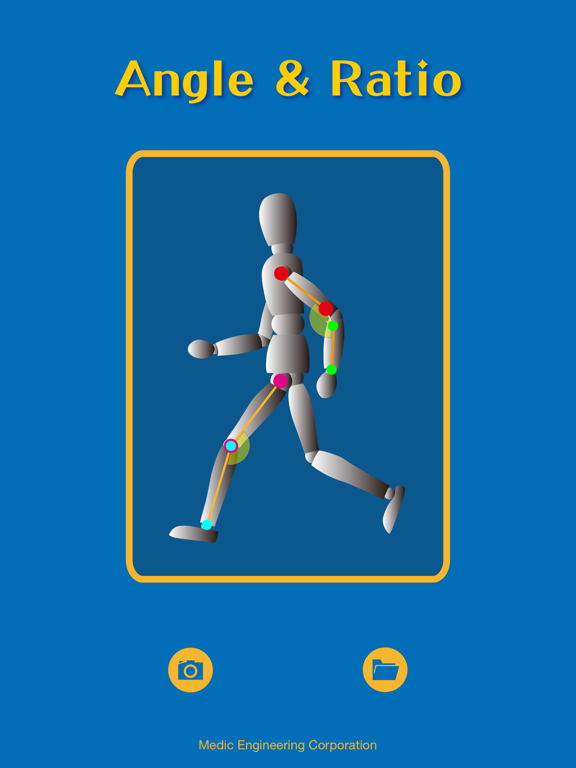
"Angle & Ratio" is a useful tool that you can measure the angle or ratio using a picture.
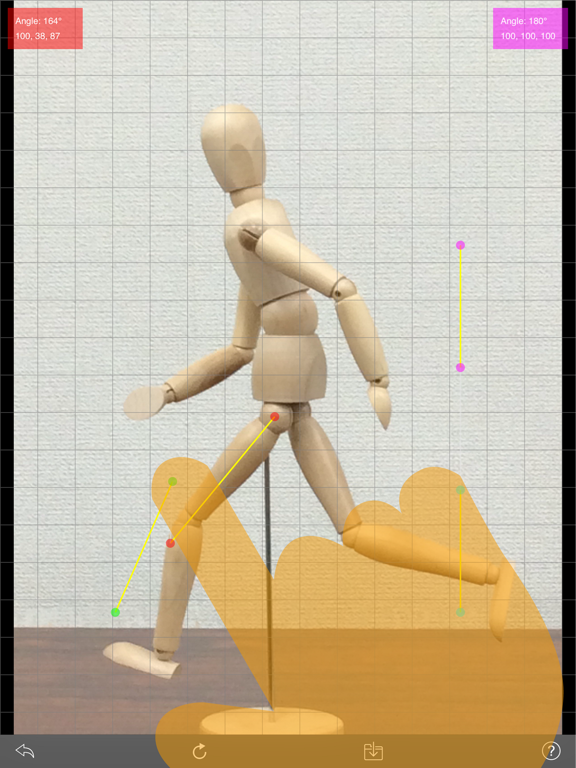
You can create segments by moving the marks freely, so you can get the angle of arms or legs, or inclination of body.
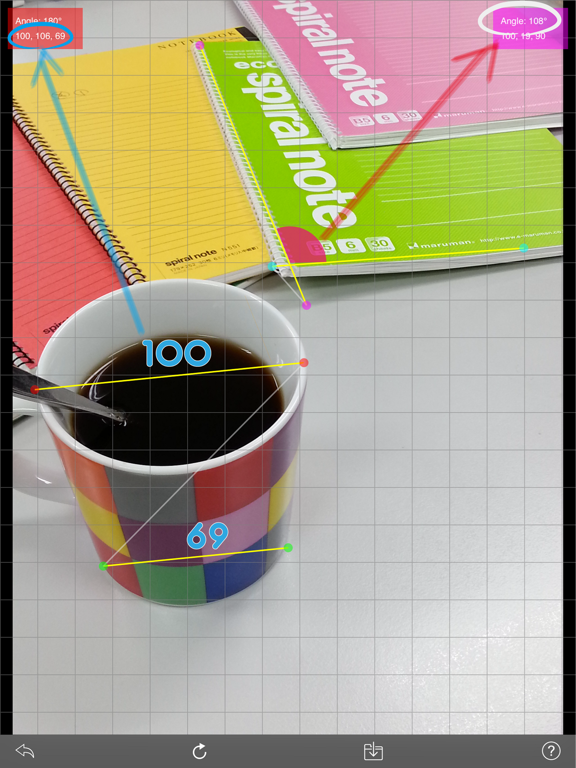
These segments are used to measure of ratio.
Of course, you can save the result as a JPEG format.
【Usage】
1. Prepare a picture
If you select a picture from gallery, you can adjust the size and position of the picture. Or when you take a picture, you will shoot the target in center of the view.
2. Measure of the angle
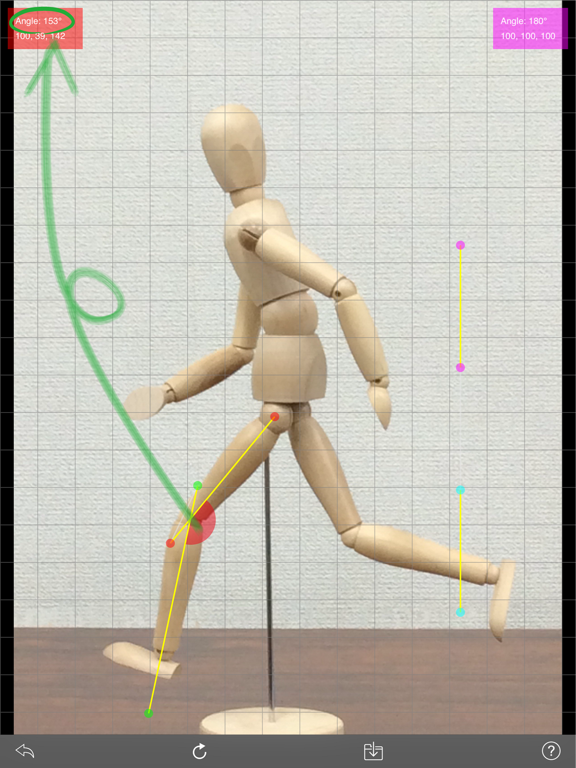
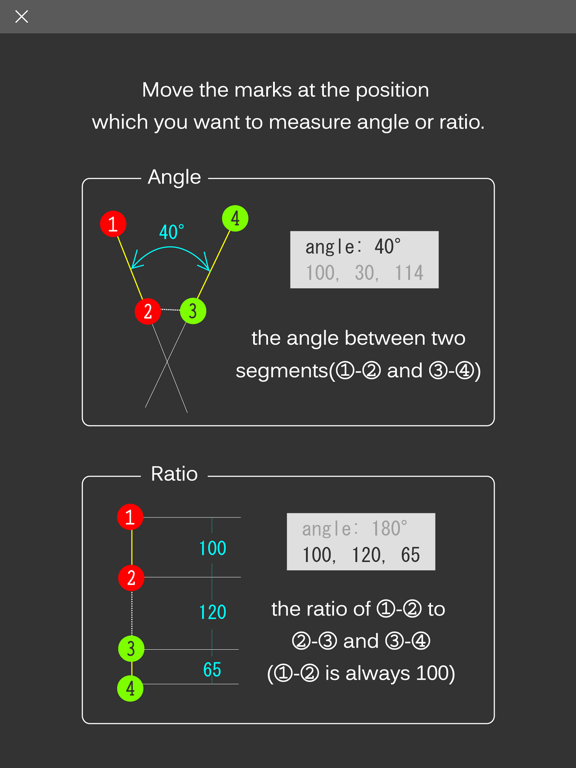
Please move the marks at the position which you want to measure (the marks [1], [2], [3], [4] are in order from the top).
The angle between two segments [1]-[2] and [3]-[4] is displayed on the top of screen.
3. Measure of the ratio
Please move the marks at the position which you want to measure (the marks [1], [2], [3], [4] are in order from the top).
The ratio of [1]-[2] to [2]-[3] and [3]-[4] is displayed under the angle ([1]-[2] is always 100).
--
Angle & Ratio van Medic Engineering K.K. is een app voor iPhone, iPad en iPod touch met iOS versie 15.0 of hoger, geschikt bevonden voor gebruikers met leeftijden vanaf 4 jaar.
Informatie voor Angle & Ratiois het laatst vergeleken op 22 Oct om 16:21.
- Optimized for iOS26.4 and iPadOS 26.4.
- Fixed a minor bug.