Procreate
Savage Interactive Pty Ltd
LET OP: Aankopen verlopen via de App Store, controleer daar altijd de meest actuele prijs, compatibiliteit en andere informatie. Je hebt een actief Apple account nodig om apps te installeren.
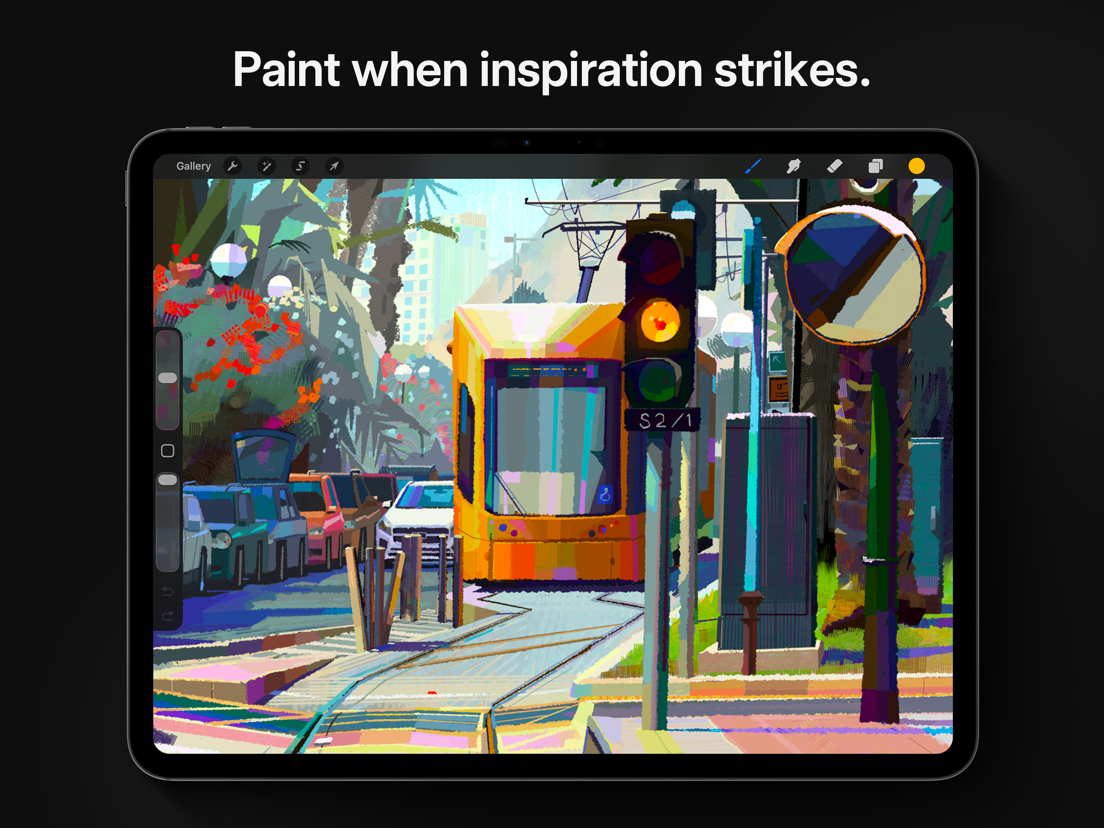
Loved by creative professionals and aspiring artists alike, Procreate is the leading creative application made for iPad.
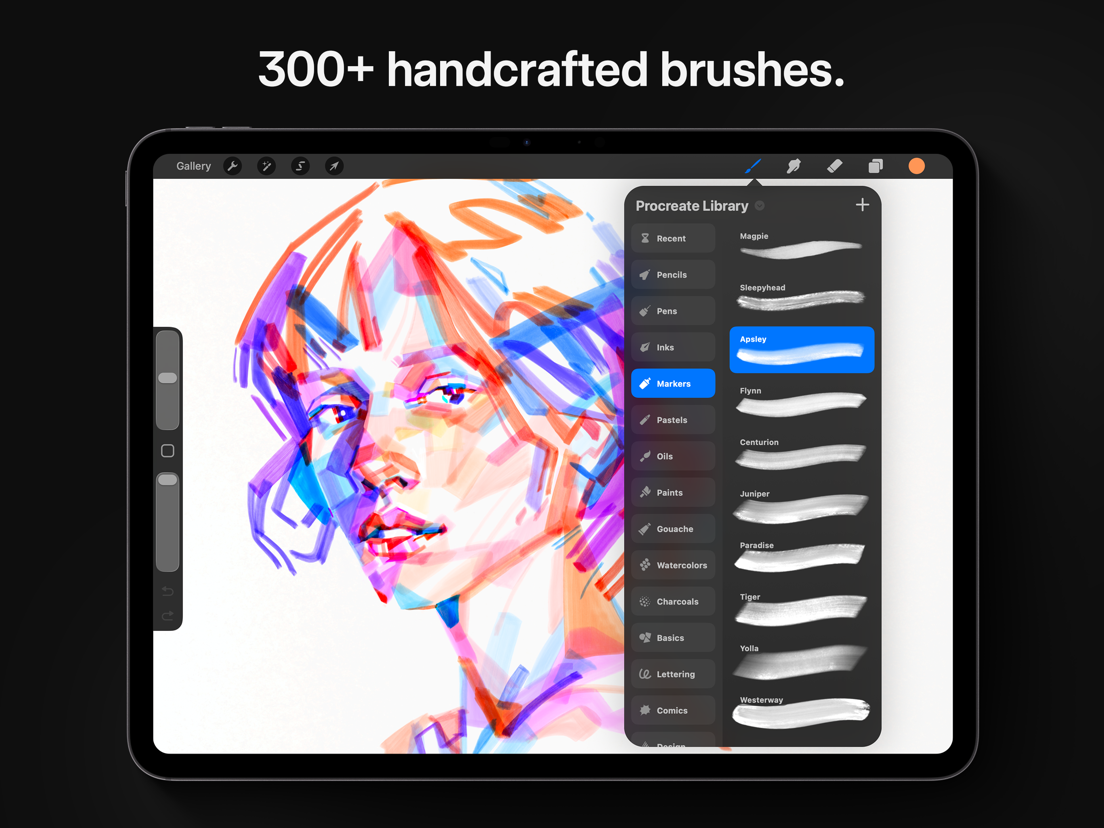
Procreate has everything you need to create expressive sketches, rich paintings, gorgeous illustrations, and beautiful animations. Offering 100s of handmade brushes, a suite of industry-leading artistic tools, an advanced layer system, and the powerful Valkyrie graphics engine.
It’s a complete art studio you can take anywhere.
Highlights:
- High resolution canvases — up to 16k by 8k on compatible iPad Pros
- Beautifully intuitive interface made for iPad and Apple Pencil
- Revolutionary QuickShape feature for perfect shapes
- Smooth and responsive smudge sampling
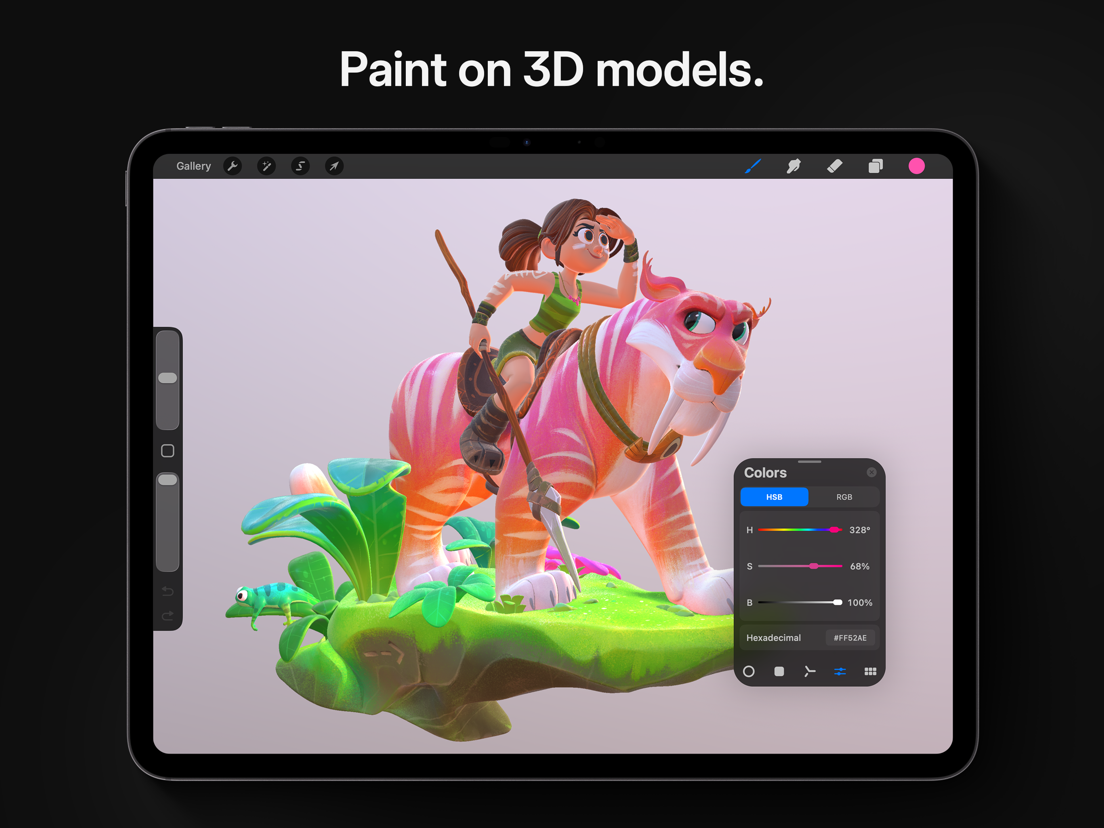
- 3D Painting with Lighting Studio, exportable as models, images, or animations
- Powered by Valkyrie, the lightning-fast 64-bit painting engine
- Speed up your workflow with keyboard shortcuts
- Create art in stunning 64-bit color
- Continuous auto-save — never lose work again
Breakthrough brushes:
- Packed with hundreds of beautifully crafted brushes
- Organize your brushes into sets and libraries
- Add Metallic and Roughness for painting in 3D
- Brush Studio — with over 100 customizable settings
- Import and export custom Procreate brushes
- Import Adobe® Photoshop® brushes, and run them faster than Photoshop®
Full-featured layering system:
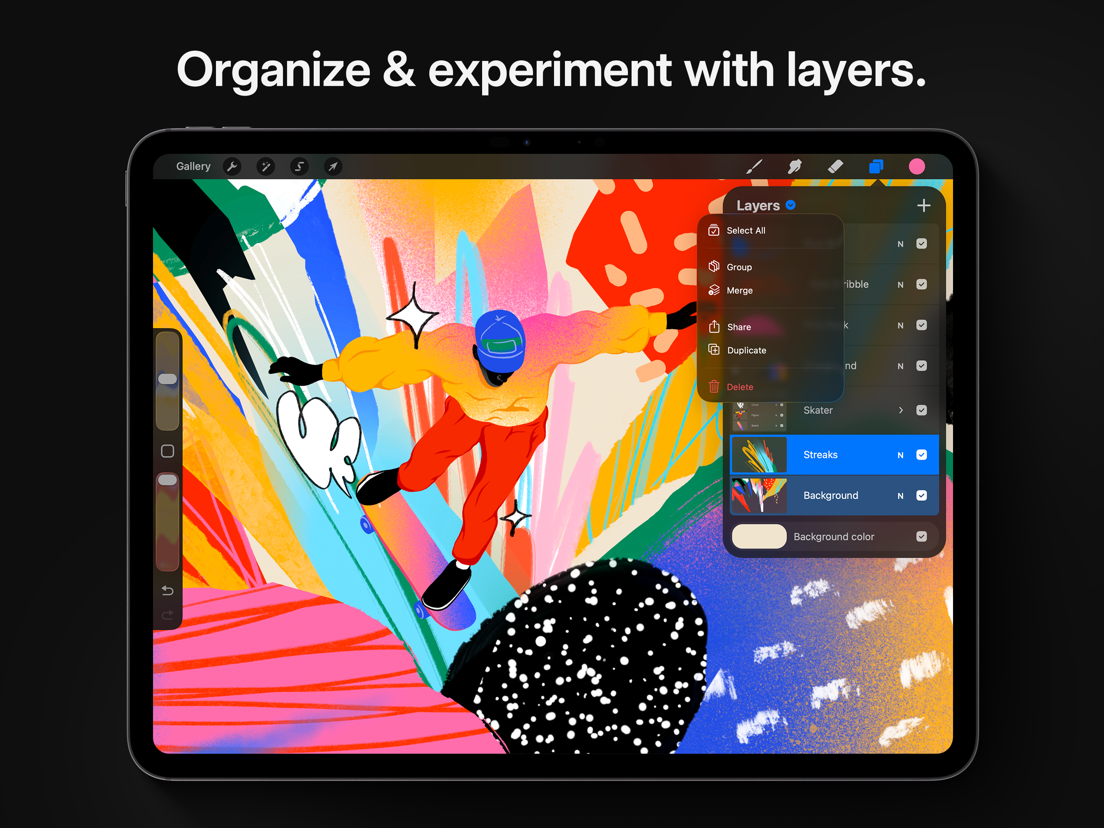
- Layer your art for precise control over details and composition
- Create Layer Masks and Clipping Masks for non-destructive editing
- Stay organized by combining layers into Groups
- Select multiple layers to move or Transform objects simultaneously
- Access over 25 layer blend modes for industry-grade compositing
Color without compromise:
- Fill your line work with ColorDrop and SwatchDrop
- Disc, Classic, Harmony, Value, and Palette color panels
- Import color profiles for color matching
- Assign Color Dynamics to any brush
Precision design tools:
- Add vector text to your illustrations
- Easily import all your favorite fonts
- Crop and resize your canvas for perfect composition
- Perspective, Isometric, 2D, and Symmetry visual guides
- Drawing Assist perfects your strokes in real time
- StreamLine and stabilization smooths strokes for beautiful calligraphy and expert inking
- Use Scribble to name layers, change settings, and create text
Accessibility features:
- Advanced stroke stabilization
- Dynamic Type, VoiceOver, and Feedback Sounds
- Assignable single-touch gestures
- Color naming
Animation and Page Assist
- Easy frame-by-frame animation with customizable onion skinning
- Create storyboards, GIFs, animatics, and simple animations
- Sketch page-by-page concepts or begin a comic with Page Assist
- Import, edit, and share PDFs
Dramatic finishing effects:
- Brush in image adjustments and effects with Apple Pencil
- Glitch, Chromatic Aberration, Bloom, Noise, and Halftone add new dimensions to your work
- Gaussian, Motion, and Perspective Blur filters create depth and movement
- Powerful image adjustments including Color Balance, Curves, HSB, and Gradient Map
- Bring your art to life with the fun, intuitive, and creative Warp, Symmetry, and Liquify Dynamics
Time-lapse replay
- Relive your creative journey with Procreate’s Time-lapse Replay
- Export your Time-lapse recording in 4K for high-quality video production
- Share a shorter 30-second Time-lapse on your socials
Import assets and share your creations:
- Import or export your art as Adobe® Photoshop® PSD files
- Import Adobe® ASE and ACO Color Palettes
- Import image files such as JPG, PNG, and TIFF
- Export your working files in layered .procreate or PSD file formats
- Share your art as TIFF, transparent PNG, multi-page PDF, web-ready JPEG, OBJ, USDZ, and animated GIFs, PNGs, and MP4s
--
Procreate van Savage Interactive Pty Ltd is een iPad app met iOS versie 16.3 of hoger, geschikt bevonden voor gebruikers met leeftijden vanaf 4 jaar.
Informatie voor Procreateis het laatst vergeleken op 24 Sep om 13:46.





Informatie
- Releasedatum:16 Mar 2011
- Bijgewerkt:18 Sep 2026
- Versie:5.4.14
- Compatibiliteit:Vereist iOS 16.3 of nieuwer. Alleen voor iPad.
- Grootte:1.16 GB
- Leeftijd:4+ jaar
- Beoordeling:4.4 van 5
- Categorie:
Nieuw in versie 5.4.14
This compatibility update helps you get the best out of Procreate on every supported device and operating system version.
Prijsgeschiedenis
508 geschreven reviewsRecensies
No need for Photoshop
MeerSeriously I use ProCreate for 2 years and it it the best photoshop replacement, also for sketching and drawing. Please go on youtube to look for tutorials, because there are many hidden tricks that are useful.
4door Edw******11/09/2026Suggestion
MeerLove using the app, have had it for years and have had no complaints at all. Only it would be nice to be able to make maps in maps for some extra organization.
5door Ivo*******11/09/2026Super app
MeerIk gebruik deze app al twee jaar en werkt echt geweldig. Goeie graphics en veel brush opties
5door Val*****22/08/2026
Meer van Savage Interactive Pty Ltd

Reageer op deze app
Dit vind je misschien ook leuk
Laatste reacties
- Adnan Ali zei over Pindat - Reisblog maken: "Поринути у світ захоплюючих подорожей, відкривати приховані..."
- plinko clicker game zei over Radio 10: "Is there actually any point to this app when you can just..."
- random number generator phone zei over Radio 10: "Ik zag dat de AppWereld-site de app niet meer heeft, klinkt..."
- Ro Rare zei over myOpel: "LoL dat een company als Opel zo'n slecht functionerende..."
- Jo zei over Word Domination: "Leuke ap enkel wel heel jammer als je een nieuwe booster wilt..."
- Marc Van Hoey zei over Belfius Mobile: "beste, iPadgebruik, na laatste update, app. belfius mobile,..."
- Sanne zei over GoWish: "Ik heb deze eerst gebruikt, maar toch wel erg Amerikaans.. Ik..."
- Frederik Visser zei over Talkie: Tekst naar Spraak: "Ik ben op zoek naar ervaringen van gebruikers van de pro..."
- Frederik Visser zei over Talkie: Tekst naar Spraak: "Ik ben op zoek naar ervaringen van gebruikers van de pro..."