
LET OP: Aankopen verlopen via de App Store, bekijk daar altijd de meest actuele prijs, compatibiliteit en andere informatie. Je hebt een actief Apple account nodig om apps te installeren.
JRemote is a full featured native iOS remote for JRiver Media Center. JRemote was developed to offer you full remote control of your JRiver Media Center from any of your iDevices.
Please note that you need JRiver Media Center version 15 or later. We recommend you always run the latest version.
Features and specs:
Universal app
JRemote is a universal iOS application. The application will run on both iPhone/iPod touch as well as iPad’s. Each version is optimized for it`s screen size.
Navigation
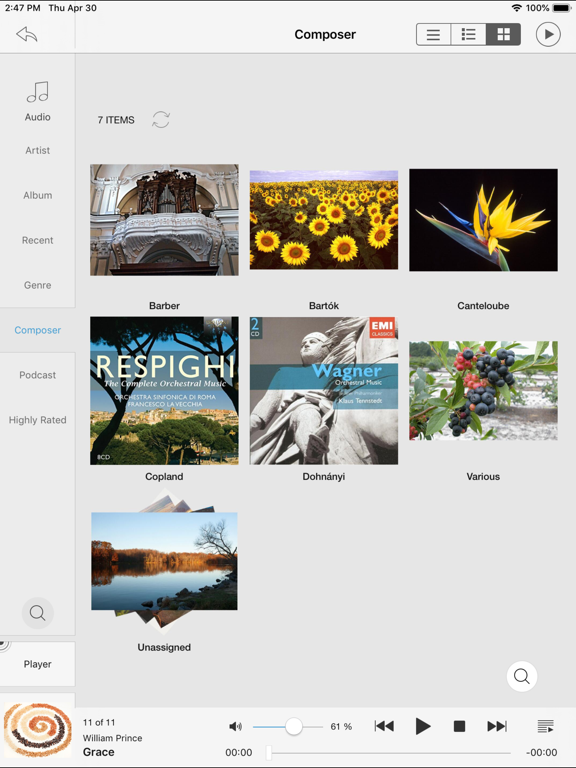
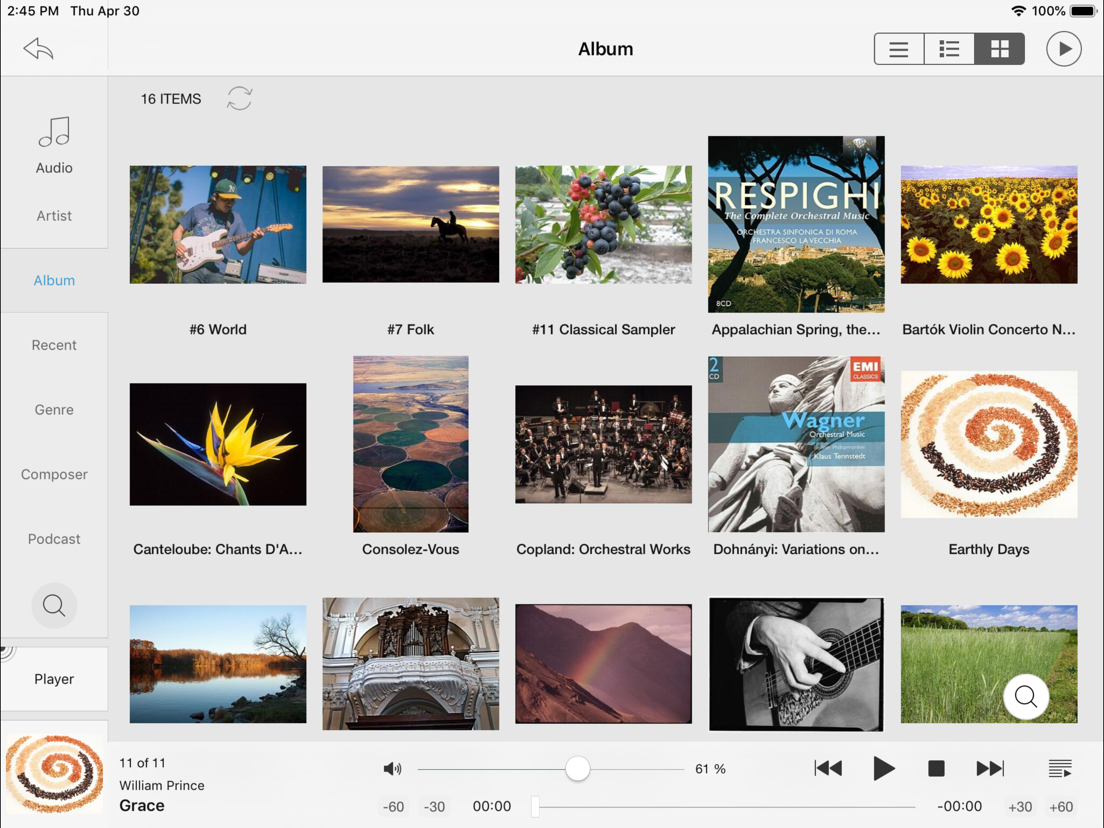
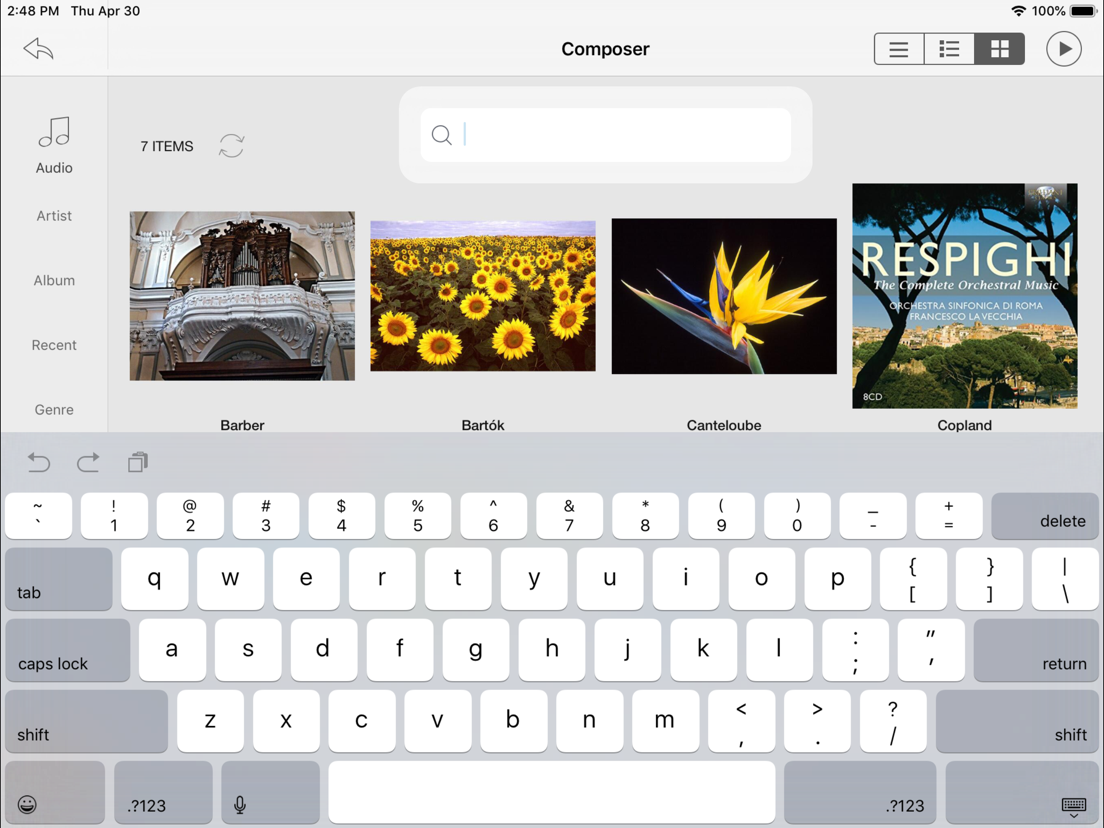
JRemote uses the navigation setup from JRMC itself. This allows you to customize the navigation menu and sub-menus from within the JRiver application.
- Multiple view modes (list, imagelist, thumbnails)
- Search using JRMC`s fuzzy search engine
- Virtual remote for controlling theater view
DLNA and zones
Use JRemote to control all your DLNA supported devices. Any device supported in JRMC can be controlled from JRemote by switching to that specific zone.
You can link and unlink zone for multi-room playback.
Easy setup
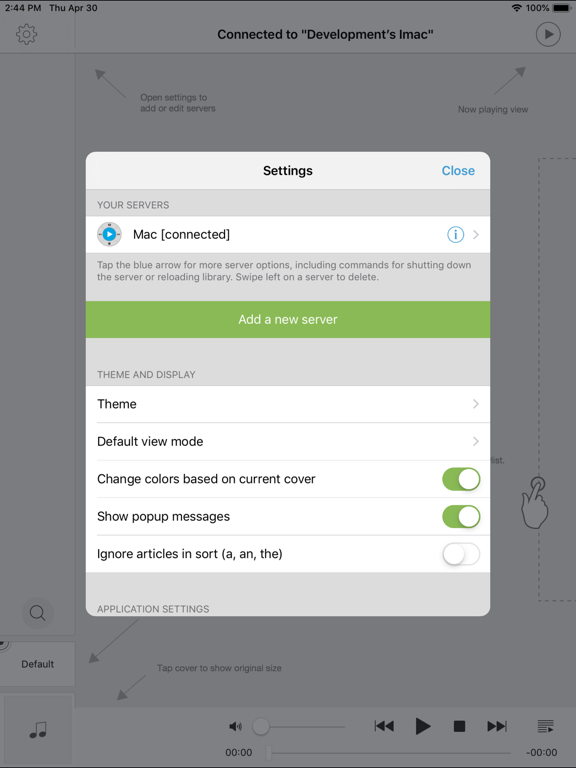
Connecting to your computer is fully automatic, no need to enter your IP-address and Port number.
You only need to enter the access key found in JRMC`s option panel (We do provide an option for you to add IP-address and Port manually if needed).
- JRemote will let you connect to your server from outside your wifi, using standard mobile networks. For this to work you need to configure port forwarding on your internet router.
- Wake-On-LAN is supported if you provide your machines MAC address. (Automatic when adding a server by access key)
- JRemote is CarPlay enabled.
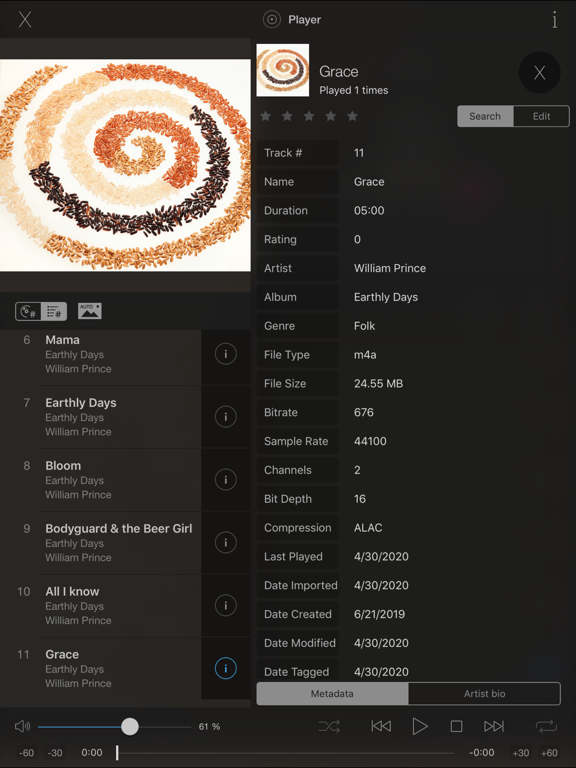
Edit and view metadata
Any metadata attached to a specific file can be viewed and edited. You can update multiple files in one operation.
Rating may be set from multiple locations depending on iPhone/iPad version.
Player controls
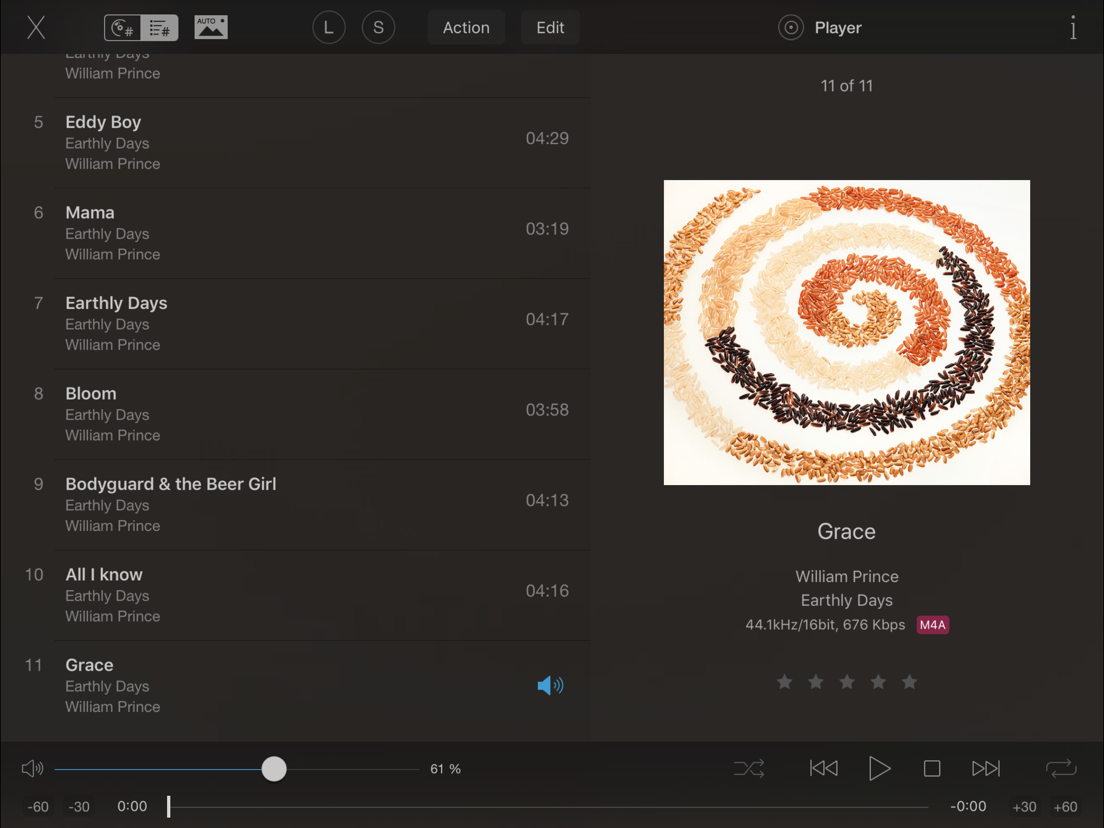
JRemote includes all common playback controls including repeat mode, and shuffle mode.
Control volume and progress from sliders while getting feedback from the HUD display
Audio streaming
JRemote lets you stream all your audio files to the device itself. Just select “This device” as the current zone.
- Gapless playback
- Stream any file up to 96kHz, 24 bit
- Downloaded progress indicator
- Supported audio formats include AAC, AIFF, ALAC, APE, DSF/DFF, FLAC, M4A, MP3, OGG, and WAV.
- All files may be transcoded to MP3 from 128Kbs up to 320Kbs
--
JRemote van JRiver is een app voor iPhone, iPad en iPod touch met iOS versie 13.0 of hoger, geschikt bevonden voor gebruikers met leeftijden vanaf 4 jaar.
Informatie voor JRemoteis het laatst vergeleken op 26 Oct om 06:09.
Informatie
- Releasedatum:21 Dec 2011
- Bijgewerkt:18 Sep 2026
- Versie:3.46
- Compatibiliteit:Vereist iOS 13.0 of nieuwer. Compatibel met iPhone, iPad en iPod touch.
- Grootte:55.4 MB
- Leeftijd:4+ jaar
- Beoordeling:4 van 5
- Categorie:
Nieuw in versie 3.46
Supports Radio JRiver and Cloudplay streaming to the local device. Requires MC 35.0.43 and above (35.0.44 for linux and Mac)
Native DSF/DFF playback to the device zone
Native APE playback to the device zone
Radio Paradise playback to the device zone
Fix to Radio Paradise channel numbers
Playback of SACD tracks to the device zone without transcoding (extracts DSF). Requires MC 35.0.55 and above
Built with VS2026 and Xcode 26. Requires iOS >= 13.0
Fixed metadata formatting of the date for videos.
Prijsgeschiedenis
24 geschreven reviewsRecensies
JRiver listened to us ;-)
MeerIt is good to see that the bugs that were reported regarding the previous version have been resolved.
5 stars again.5door Roo*******04/07/2020Audio Streaming Error / Multi-track flac is a PIA
MeerJRemote is a great app, except for its notorious “Audio Streaming Error”-messages (ASE).
Because you didn’t, I switched my large Alac-library to multi-track Flac. JRemote now finds every album and track. So switching back to individual tracks is NOT an option.
1. Regardless of which track of an album I choose, JRemote (version 3.29; iOS 13.1.2) plays the first track of a multi-track Flac-file (+cue-file).
More severely, but not unexpectedly, a similar error occurs when shuffle-playing a genre or other groups of albums. When playing an album, track two is played after one, et cetera. JRiver (25) does not have any issues (in this regard).
2. JRemote does not play any video. The screen remains black.2door R B***20/10/2019Search not working anymore
MeerThe search in the entire library (the magnifying glass on the left) isn’t working anymore since the last iOS update. Search inside a folder still works.
5door P W****07/10/2019
Reageer op deze app
Dit vind je misschien ook leuk

Laatste reacties
- Jolanda Smit zei over pym. Je fotoboek, al klaar: "Sinds 2013 al een gebruiker en sindsdien (zo goed als) elke..."
- Ludo zei over HERE WeGo Kaarten & Navigatie: "Op de iPhone is HereWeGo een goede navigatie app, echter met..."
- Soundmaster zei over UNDOK: "UNDOK werkt niet meer na installatie iOS27! Alle richtlijnen..."
- Ryan zei over James-Horeca: "Zeer teleurstellende ervaring Helaas heb ik een erg negatieve..."
- Ro Rare zei over myOpel: "LoL dat een company als Opel zo'n slecht functionerende..."
- Jo zei over Word Domination: "Leuke ap enkel wel heel jammer als je een nieuwe booster wilt..."
- Marc Van Hoey zei over Belfius Mobile: "beste, iPadgebruik, na laatste update, app. belfius mobile,..."
- Sanne zei over GoWish: "Ik heb deze eerst gebruikt, maar toch wel erg Amerikaans.. Ik..."
- Frederik Visser zei over Talkie: Tekst naar Spraak: "Ik ben op zoek naar ervaringen van gebruikers van de pro..."