Productiviteit€ 0.99
5.0 · 10 beoordelingen
LET OP: Aankopen verlopen via de App Store, controleer daar altijd de meest actuele prijs, compatibiliteit en andere informatie. Je hebt een actief Apple account nodig om apps te installeren.
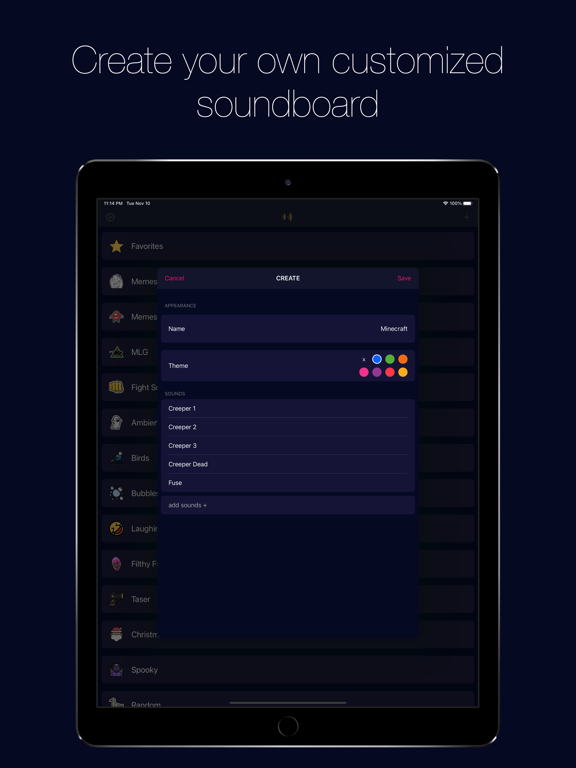
The best customizable iOS soundboard app!
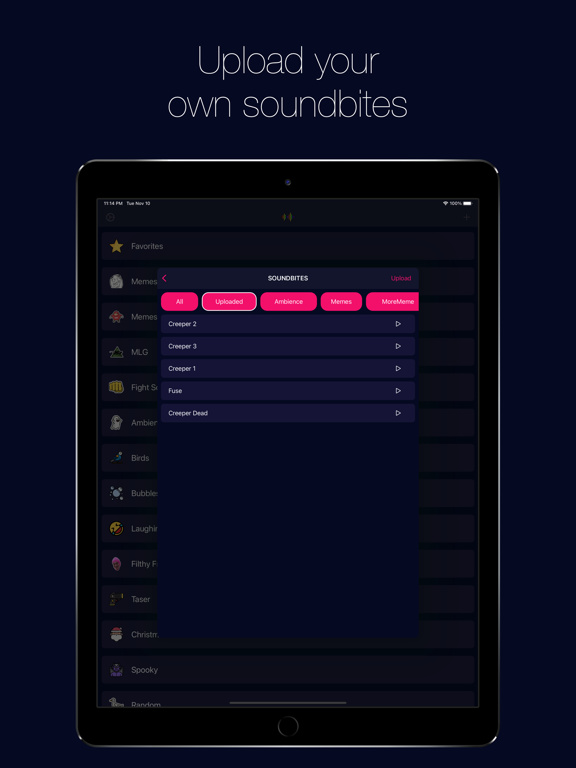
Upload your own sound effects and create custom soundboards.
Have an Apple Watch? Control Soundbox with it.
Prank your unsuspecting friends with funny or scary sound effects.
Access Soundbox without ever pulling out your phone.
This app comes with many preloaded sounds from memes to nature sounds.
Don't see your favorite sound effect?
Simply upload them or request new sound effects at so.strange.apps@gmail.com
For any complaints, email us at so.strange.apps@gmail.com
---
How to backup & restore your soundboards:
Backing Up (a.k.a. saving your masterpieces)
1. Head to Settings (the little gear in the top-left).
2. Tap Backup Soundboards.
3. Choose Save to Files.
4. Pick a spot to store your .soundbox file — and don’t lose it, it’s precious!
Restoring (bringing them back to life)
1. Open Settings.
2. Tap Restore Soundboards.
3. Select your saved .soundbox file.
4. Hit Replace to load everything back in.
Heads up: Restoring will overwrite whatever soundboards you currently have. Once replaced, there’s no undo button.
--
Soundbox - Custom Soundboard van Gabriel Pires is een app voor iPhone, iPad en iPod touch met iOS versie 14.0 of hoger, geschikt bevonden voor gebruikers met leeftijden vanaf 9 jaar.
Informatie voor Soundbox - Custom Soundboardis het laatst vergeleken op 20 Oct om 04:41.
Soms/Mild grof taalgebruik of grove humor.
Bluetooth Wake up Delay:
* Set a custom wake up delay in the settings (200ms - 1s)
* Soundbox will nudge the speaker to wake up before the sound plays
* Shoutout to Big Mike for this suggestion!
Nice
Using it for training/scenario purposes, adding ambient effects, sound effects, voice lines, etc. Custom uploads are great!