
LET OP: Aankopen verlopen via de App Store, bekijk daar altijd de meest actuele prijs, compatibiliteit en andere informatie. Je hebt een actief Apple account nodig om apps te installeren.
GPX Viewer – Converter – Tracking
GPX Viewer – Converter – Tracking is an all-in-one application that allows you to view, import, export, convert, and create GPX files with ease. You can also record GPS tracks and manage waypoints directly on the map.
The app works both online and offline, making it the perfect companion for hiking, cycling, driving, walking, traveling, and outdoor adventures.
GPX Viewer is simple to use yet powerful, providing everything you need to manage your GPX files and GPS tracks in one application.
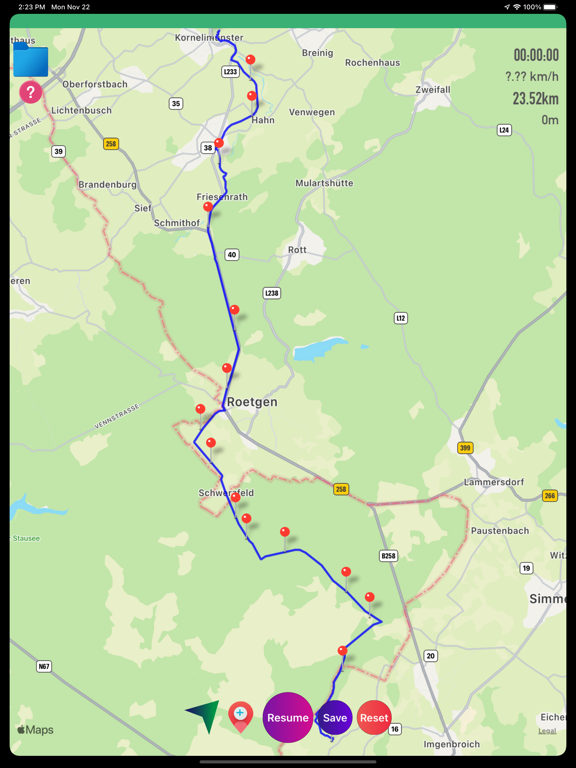
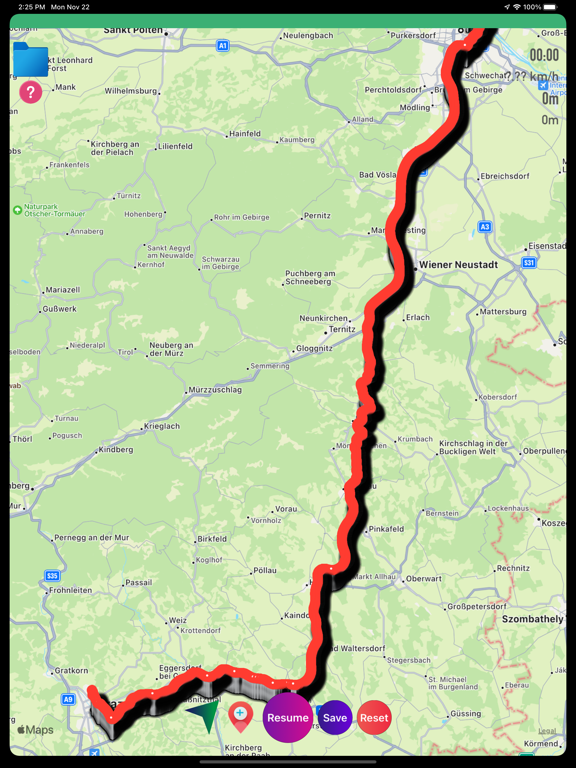
Import & View GPX Files
You can import, view, and export GPX files in multiple ways:
1 Save a GPX file in the Files app, Mail, or any other location on your iPhone or iPad. Long-press the GPX file, tap Share, and select GPX Viewer to import and display it on the map.
2 Tap the Folder icon on the map, select Add Through Link, and enter the direct URL of a GPX file to download and import it into the application.
3 Connect your iPhone or iPad to your computer. Open Finder (macOS) or iTunes (Windows or older macOS versions). Select your device, open File Sharing, choose GPX Viewer, and drag your GPX files into the application.
4 Share or export GPX files with other supported applications.
Create GPX Tracks
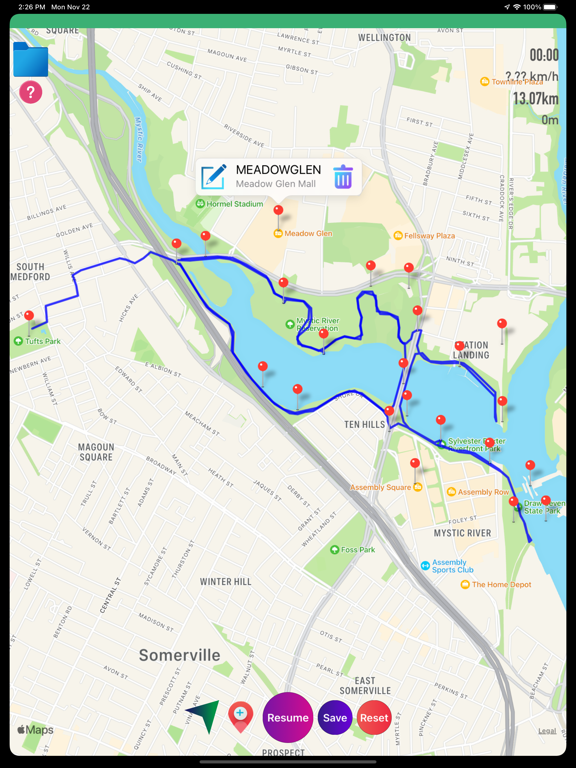
1 Turn on GPS to start recording your GPX track.
2 View live information including:
• Time
• Speed
• Distance
3 Pause and resume GPS tracking.
4 Add waypoints or markers while tracking.
5 Long-press anywhere on the map to create a waypoint.
6 Tap the Marker button to add waypoints along your GPX track.
7 Edit waypoint names.
8 Drag and drop waypoint markers.
9 Delete unwanted waypoints.
10 Continue recording previously saved tracks.
11 Perfect for:
• Driving
• Cycling
• Walking
• Hiking
• Outdoor Adventures
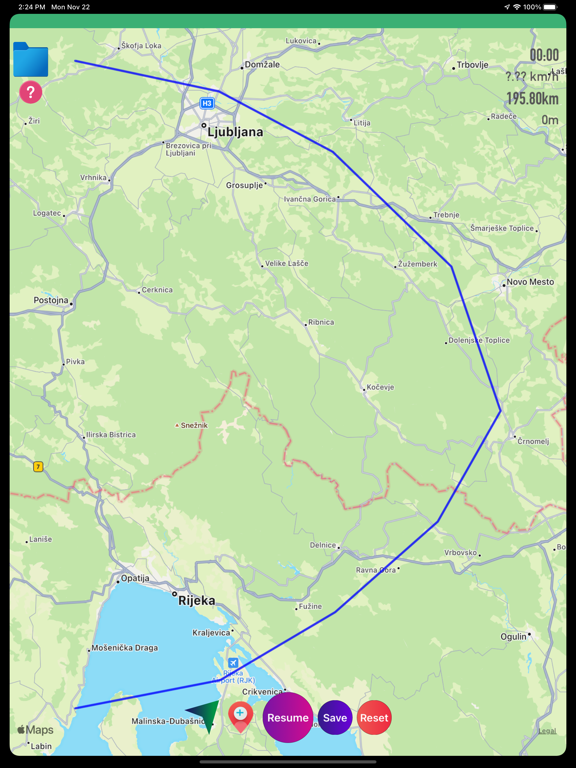
Convert GPX Files
1 Convert GPX files after loading them onto the map.
2 Share GPX tracks and waypoints via Mail, AirDrop, or other supported applications.
Waypoints & Markers
• Add unlimited waypoints
• Rename waypoints
• Move markers
• Delete markers
• Manage saved waypoints
Universal Support
• Supports all iPhone models
• Supports all iPad models
• Optimized for the latest iOS versions
• Works online and offline
GPS Requirement
A GPS-enabled device is required for live GPS tracking.
Without GPS you can still:
• View GPX files
• Import GPX files
• Convert GPX files
• Export GPX files
GPS tracking requires a GPS-enabled device.
Battery Usage
Continued use of GPS while running in the background may significantly reduce battery life.
--
GPX Viewer-Converter-Tracking van m sagar is een app voor iPhone, iPad en iPod touch met iOS versie 15.6 of hoger, geschikt bevonden voor gebruikers met leeftijden vanaf 4 jaar.
Informatie voor GPX Viewer-Converter-Trackingis het laatst vergeleken op 10 Oct om 03:57.



Informatie
- Releasedatum:15 Sep 2016
- Bijgewerkt:13 Jul 2026
- Versie:1.7.9
- Compatibiliteit:Vereist iOS 15.6 of nieuwer. Compatibel met iPhone, iPad en iPod touch.
- Grootte:5.68 MB
- Leeftijd:4+ jaar
- Categorie:
Nieuw in versie 1.7.9
Faster GPX file loading.
Improved overall app performance.
Updated for the latest iOS version.
Enhanced GPX file parsing.
Added support for displaying files without annotations or polygons.
Added detailed GPX file information. You can now view the complete file description after loading, similar to Google Earth.
Full support for all iPhone and iPad devices.
Prijsgeschiedenis
Reageer op deze app
Dit vind je misschien ook leuk

Laatste reacties
- Soundmaster zei over UNDOK: "UNDOK werkt niet meer na installatie iOS27! Alle richtlijnen..."
- Ryan zei over James-Horeca: "Zeer teleurstellende ervaring Helaas heb ik een erg negatieve..."
- Ro Rare zei over myOpel: "LoL dat een company als Opel zo'n slecht functionerende..."
- Jo zei over Word Domination: "Leuke ap enkel wel heel jammer als je een nieuwe booster wilt..."
- Marc Van Hoey zei over Belfius Mobile: "beste, iPadgebruik, na laatste update, app. belfius mobile,..."
- Sanne zei over GoWish: "Ik heb deze eerst gebruikt, maar toch wel erg Amerikaans.. Ik..."
- Frederik Visser zei over Talkie: Tekst naar Spraak: "Ik ben op zoek naar ervaringen van gebruikers van de pro..."
- Frederik Visser zei over Talkie: Tekst naar Spraak: "Ik ben op zoek naar ervaringen van gebruikers van de pro..."
- Mario van Gool zei over Vue NL: "1 groot drama. Account van mijn zoon niet meer in te loggen...."