LogMeIn

LogMeIn

door LogMeIn, Inc.

  • Universele app: Ontwikkeld voor iPhone, iPad en iPod touch
  • Releasedatum: 22-12-2011
  • Huidige versie: 3.3.2119·18.20 MB
  • Prijs: Gratis!EUR - Download in de iTunes App Store!
QR
Kopieer en plak onderstaande code om deze app als widget op uw site te plaatsen - Meer info.
iTunes Klantwaardering Huidige versie (13) 4.5 Alle versies (1.058) 4.5

LogMeIn van LogMeIn, Inc. is compatibel met iPhone, iPod touch en iPad. Geschikt bevonden voor gebruikers met leeftijden vanaf 4 jaar en beschikbaar in de Nederlandse taal.

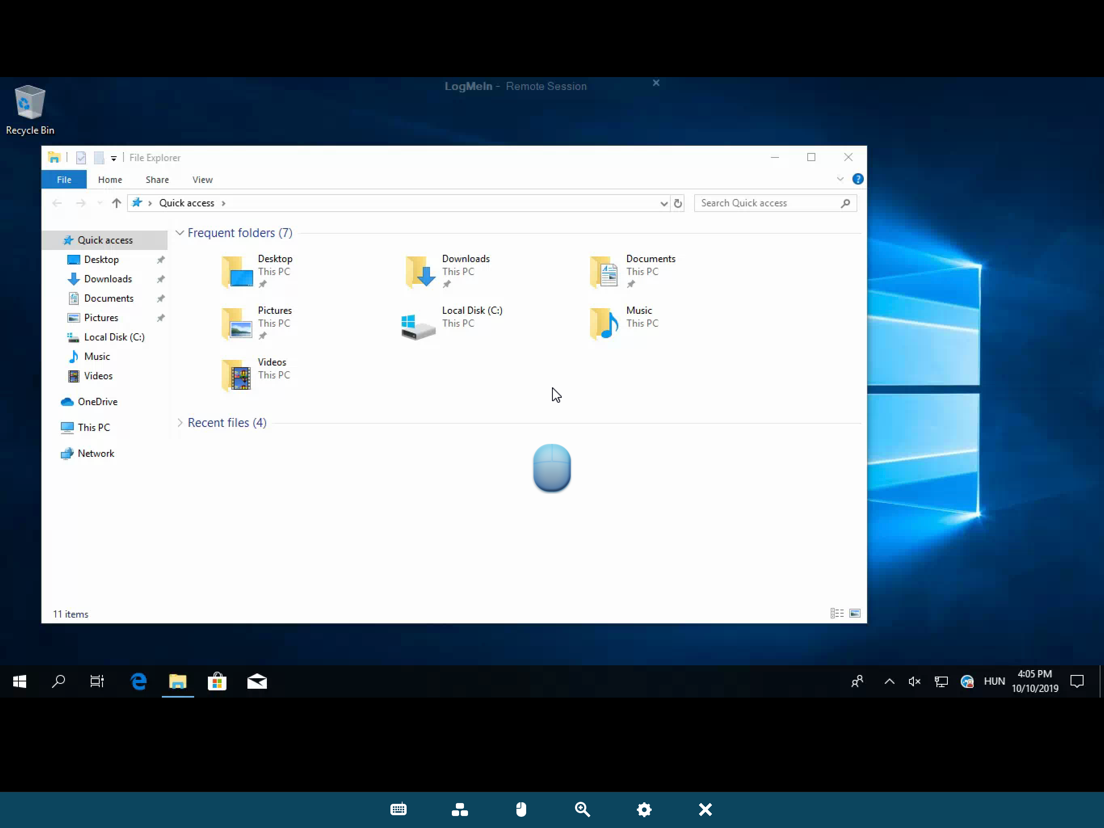
Vanaf de bank, in de trein, of in de lucht – vanaf elke plek, op ieder moment, hebt u toegang tot uw pc of Mac.
Bestuur uw pc’s en Macs op afstand, via WiFi/3G met de gratis LogMeIn-app op uw iPad of iPhone. Het werkt met de bekroonde, gratis software van LogMeIn op net zo veel computers als u maar wilt. U hebt op afstand toegang tot uw bestanden, u kunt uw toepassingen gebruiken, en uw desktop bedienen, vanaf elke locatie. Met alles bij de hand kunt u gaan of staan waar u maar wilt.

Maak uw gegevens toegankelijk en klaar de klus.
• Altijd en overal toegang tot privé- en zakelijke computers – waar u ook bent.
• Bestuur uw Mac of pc alsof u er zelf achter zit.
• Open uw computerbestanden en bewerk ze vanaf uw iPad of iPhone.
• Voer op afstand de toepassingen op uw computer uit, vanaf uw iPad of iPhone.
• Herstel computerproblemen op afstand voor zakelijke of persoonlijke IT.

Upgrade vanuit de App Store zodat u gebruik kunt maken van de vele functies van LogMeIn Pro:
• Streamen van HD-video en geluid vanaf elk apparaat of iedere computer waar Pro op draait, voor probleemloze besturing op afstand
• Integratie voor Mijn cloud-accounts waarmee de LogMeIn-app wordt gekoppeld aan gangbare internetdiensten
• Bestandsbeheer om bestanden en mappen over te dragen tussen verschillende computers, en op uw apparaat op te slaan.
• Afdrukken op afstand naar AirPrint-compatibele printers
• Foto-app-beheer om foto's toegankelijk te maken en over te dragen van/naar uw iPad- of iPhone-fotobibliotheek

De functies voor besturing op afstand omvatten:
• Intuïtieve en flexibele beheermodi
• Ondersteuning van meerdere beeldschermen
• Ondersteunt gebruik van speciale toetsencombinaties
• Start een computer in sluimerstand met Wake-On-LAN

Hoe kan men het abonnement vanuit de app naar LogMeIn Pro upgraden?
• Het downloaden van de app is gratis en omvat GRATIS besturing op afstand van al uw computers
• Als u ervoor kiest om naar een abonnement op LogMeIn Pro te upgraden, kiest u heel eenvoudig de duur van het abonnement - 1 jaar ($ 39,99), 6 maanden ($ 29,99) of 3 maanden ($ 19,99)

Wij waarderen uw feedback!
Twitter: @LogMeIn
Neem deel aan de conversatie van iPad Warriors op facebook.comipadwarriors

Informatie voor LogMeIn is het laatst vergeleken op 18 jun om 23:44, kijk naar de meest actuele prijs, compatibiliteit en andere informatie in de App Store alvorens tot downloaden over te gaan.
Je hebt een actieve iTunes account nodig om apps te downloaden.

Nieuw in versie 3.3.2119

- Cubby is now in the app! Go to My Cloud Bank and tap the Cubby logo to access 5 GB of free cloud space. No additional subscription required!
- The login page has a new look
- We now refer to your LogMeIn account email as a LogMeIn ID; you can use it to log in to LogMeIn.com, join.me and cubby.com
- The app now generates less network traffic
- If the computer you are controlling uses a transparent cursor, the app now displays the cursor more accurately
- The app now supports Basic Authorization Proxy and PAC Proxy
- When you restart the app, we remember your previously opened cloud services
- During remote control with a LogMeIn Pro PC or Mac, you’ll find an on/off switch for Remote Sound under remote control settings (the gear icon)
- Anything typed on your iPhone/iPad keyboard will appear on the host exactly as entered, even if the PC or Mac uses a different keyboard layout than your iPhone/iPad (you may need to update LogMeIn on your PC or Mac).
- For Windows users, we’ve added an optional feature called Focus Tracking that automatically places the most recently opened window in the center of your iPhone/iPad screen
- We made various bug fixes

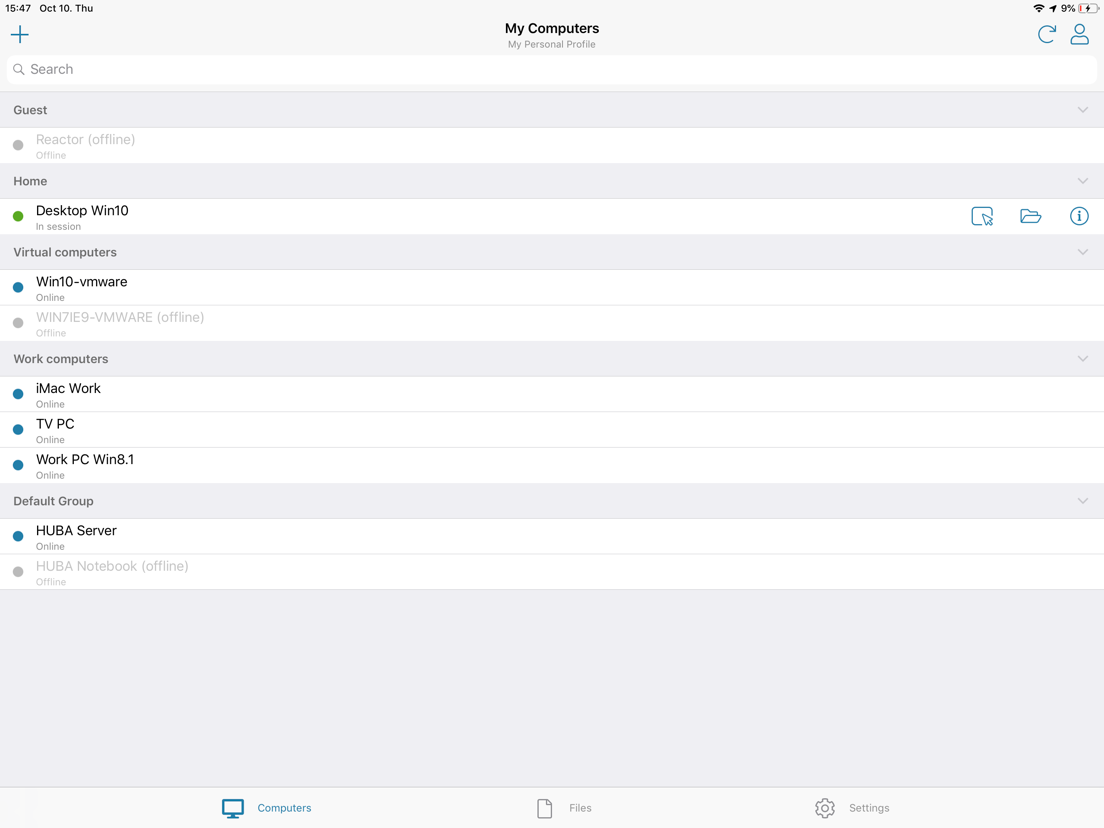
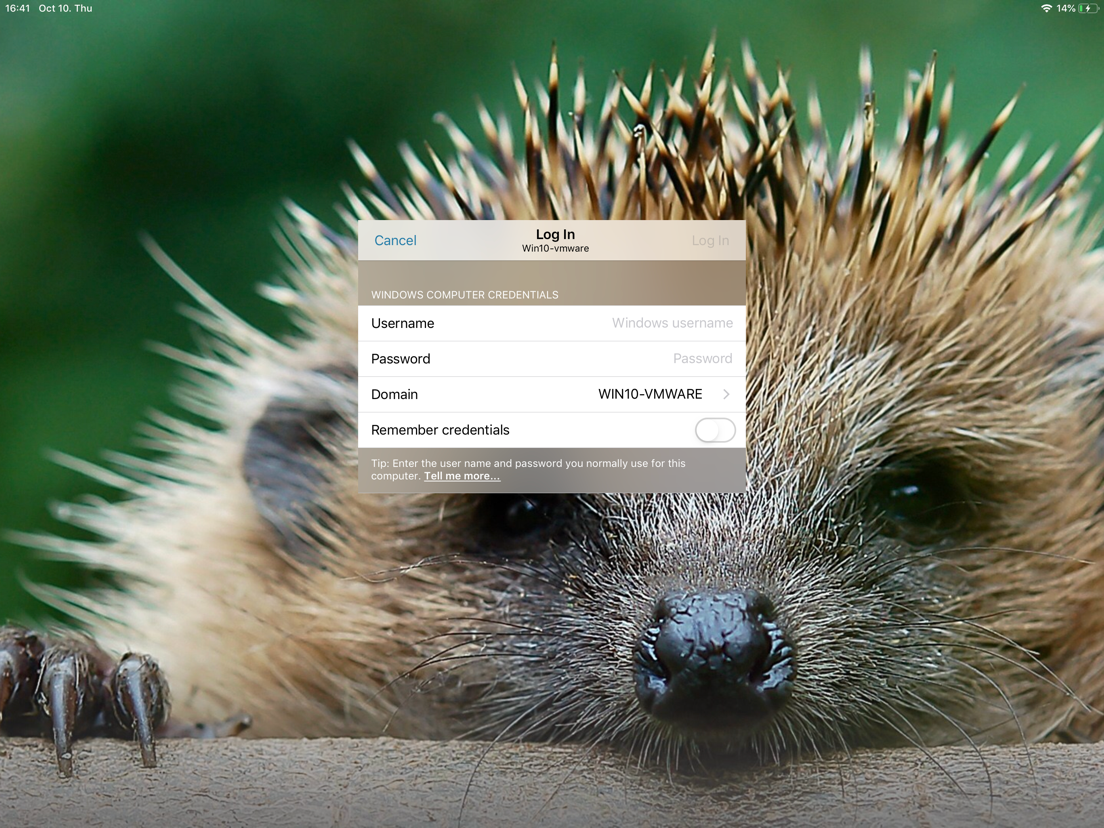
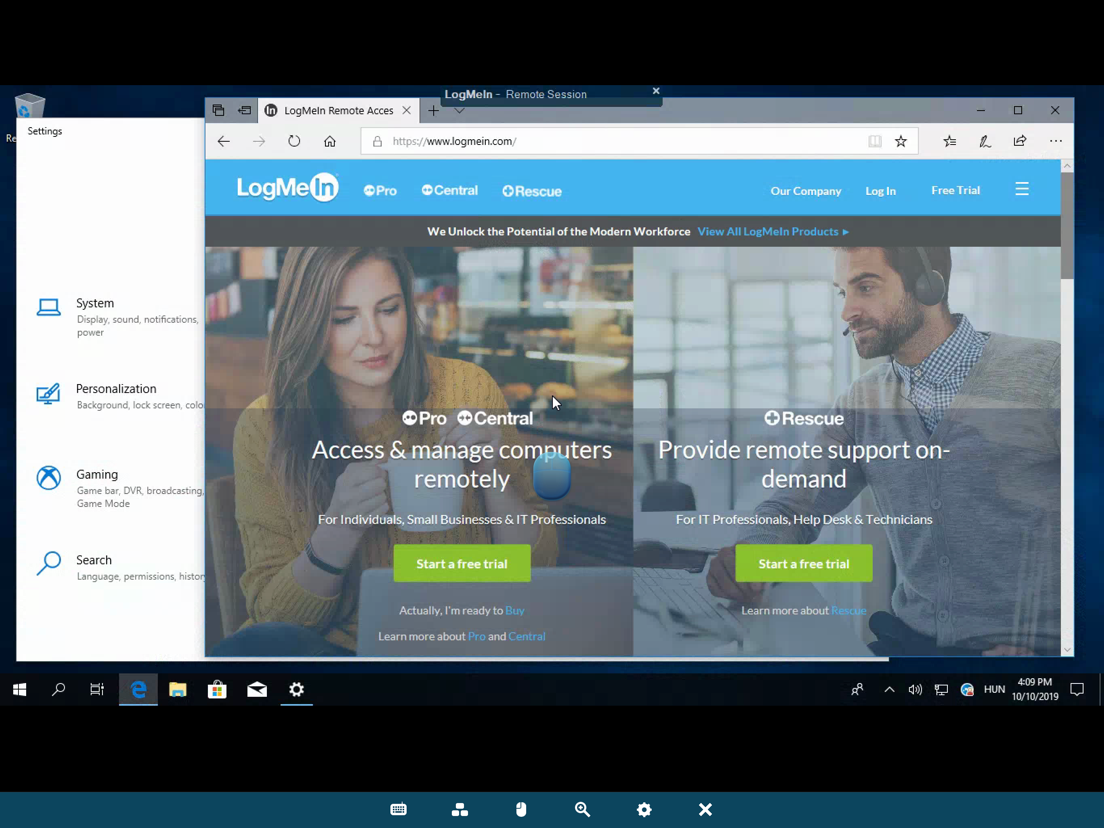
Schermafdrukken

LogMeIn iPad schermafdruk 1 LogMeIn iPad schermafdruk 2 LogMeIn iPad schermafdruk 3 LogMeIn iPad schermafdruk 4 LogMeIn iPad schermafdruk 5
LogMeIn iPhone schermafdruk 1 LogMeIn iPhone schermafdruk 2 LogMeIn iPhone schermafdruk 3 LogMeIn iPhone schermafdruk 4 LogMeIn iPhone schermafdruk 5

Stel een vraag of laat weten wat u van LogMeIn vindt:

Naam
E-mail
Uw bericht
close

AppWereld maakt gebruikt van cookies, door verder gebruik te maken van de site gaat u daar automatisch mee akkoord.

Accepteer Meer informatie